

Necessary cookies help make a website usable by enabling basic functions like page navigation and access to secure areas of the website. The website cannot function properly without these cookies.
Customer Support Automation: A Practical Guide for E-commerce Teams (2026)
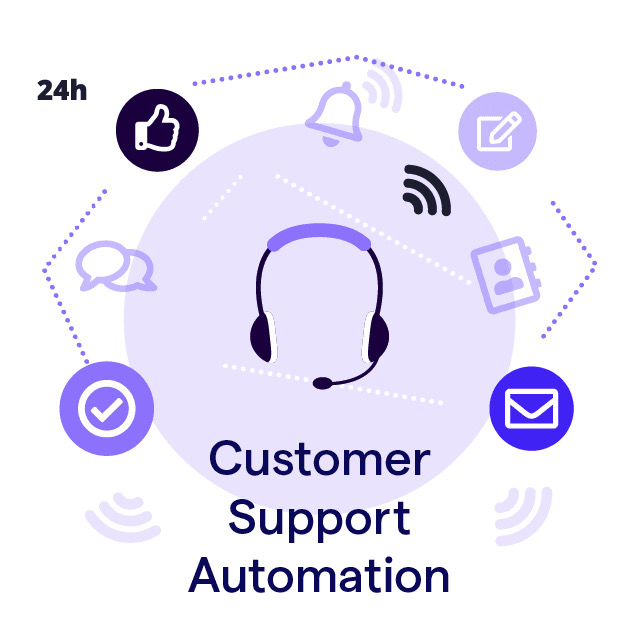
Most e-commerce support teams spend the majority of their time answering the same questions: "Where's my order?", "How do I return this?", "What's your refund policy?" These aren't complex problems. They're predictable ones — which means they're automatable.
Customer support automation is the practice of using AI and smart workflows to handle those predictable requests automatically, freeing your team for the conversations that actually need a human. Done right, it cuts costs, speeds up response times, and improves customer satisfaction simultaneously. Done wrong, it traps customers in loops and destroys trust.
This guide covers how it works, where it delivers real results for e-commerce teams, and which tools are worth using in 2026.
90% of customers rate an “immediate” response as important or very important when they have a customer service question and 60% of customers define “immediate” as 10 minutes or less.
What Is Customer Support Automation (and How It Works)
Customer support automation refers to the process of using technology, particularly artificial intelligence (AI), machine learning (ML), and natural language processing (NLP), to enhance customer service operations. Instead of manually replying to every ticket or chat, automation allows businesses to resolve common issues automatically, such as password resets, order tracking, or appointment scheduling.
Behind the scenes, customer support automation relies on several key components:
- Chatbots and virtual assistants that answer FAQs and guide users in real time.
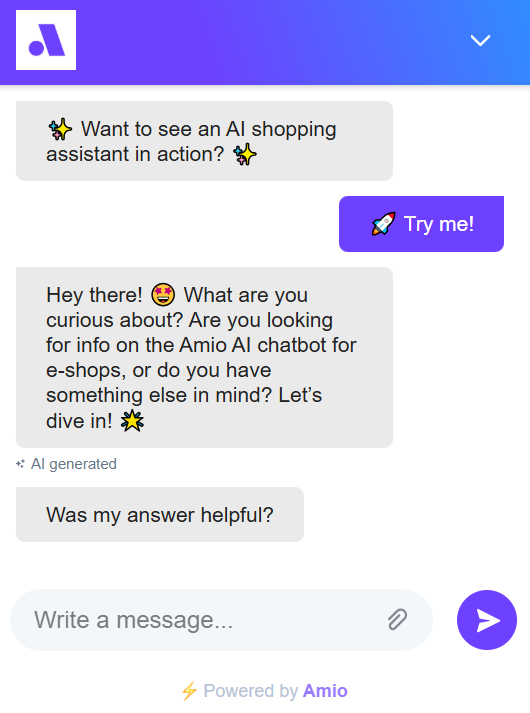
This is where most e-commerce stores start, and where the ROI is clearest. A chatbot handling WISMO tickets alone can deflect 30-40% of total support volume.
- CRM integrations that pull up customer data to personalize each interaction.
Read more: 25 Best E-commerce Integrations and their benefits.
Without this, automation feels robotic. With it, a bot can greet a customer by name, reference their last order, and give a personalised answer in seconds.
- Automated ticketing systems that categorize, prioritize, and assign requests efficiently.
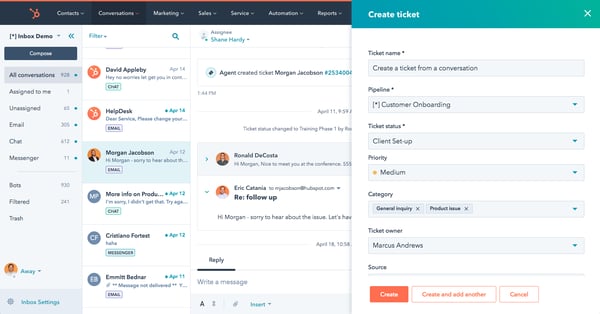
- Analytics dashboards that track performance metrics like response time and satisfaction rate. This is what turns automation from a cost into a learning engine. Every interaction generates data about what customers are struggling with — data most teams never look at.
Benefits of Customer Support Automation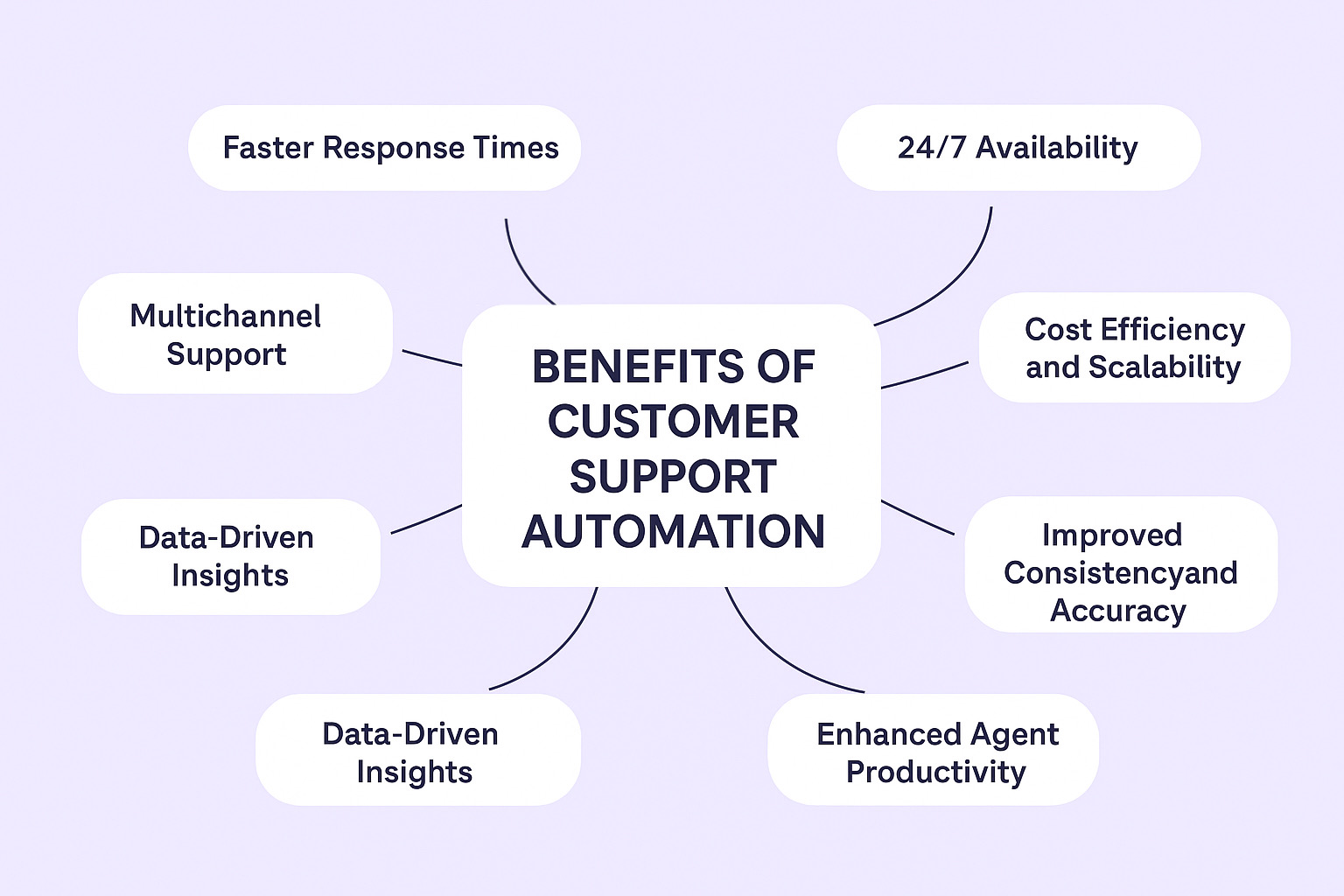
- Faster Response Times: Automated systems respond in under 5 seconds — humans average 2+ minutes on live chat and hours on email. An 80% reduction in response time isn't unusual once common queries are automated.
Footshop reduced response times dramatically after implementing Amio — their chatbot handles order tracking and return queries instantly, 24/7, with no queue.
- 24/7 Availability: Human agents work shifts. Customers don't. Automation covers the gaps — nights, weekends, peak seasons — without overtime costs or burnout. For e-commerce stores selling across time zones, this matters more than almost any other benefit. A customer in the US shouldn't have to wait until Prague wakes up to find out where their order is.
- Cost Efficiency and Scalability: More support volume doesn't have to mean more headcount. Once a chatbot or automated workflow is live, it handles thousands of simultaneous conversations at no additional cost.
Europcar automated 67% of customer interactions. During peak travel periods, their automation absorbed a volume spike that would have required significant temporary hiring — and revenue during those periods increased 10x.
- Improved Consistency and Accuracy: Human agents have bad days. Automated systems don't. Every customer gets the same accurate answer, whether they ask at 9am or 2am, via chat or email. This matters most for policy questions — returns, refunds, shipping timelines — where inconsistent answers create complaints and chargebacks.
- Enhanced Agent Productivity: Automation doesn't replace humans. It reduced agent workloads by removing what they hate doing. When bots handle FAQs, order tracking, and ticket logging, agents spend their time on the human conversations that need judgment, empathy, and problem-solving.
- Data-Driven Insights and Continuous Improvement: Every automated interaction generates data. Which questions come up most? Where do customers drop off? What's driving the most escalations? That data is useful for ongoing maintenance — for improving chatbot flows, updating your knowledge base, and flagging product or logistics issues before they become support crises. Most teams have this data and never look at it.
- Multichannel Support: Your customers reach out via different support channels. Live chat, email, WhatsApp, Instagram, and sometimes all of the above for the same issue. Managing those channels manually means dropped conversations and inconsistent responses. Automation centralises everything in one dashboard. One customer, one conversation thread, regardless of which channel they started on.
- Multilingual Support: Selling across borders means supporting customers in their language. Hiring native-speaking agents for every market isn't realistic. Automation is.
Footshop operates across 14 European markets. Their Amio chatbot handles customer queries in 14 languages — automatically detecting the customer's language and responding accordingly. No language-specific agent teams required. The same chatbot that answers a Czech customer about a return policy answers a Romanian customer about shipping, in their own language, instantly.
Challenges of Customer Support Automation (and How to Overcome Them)
Below are five of the most common obstacles companies face when automating their customer service operations, along with practical solutions to overcome them.
1. Losing the Human Touch
A frequent mistake in automated customer service is relying too heavily on AI chatbots and virtual agents without maintaining a human connection. When customers face complex issues, overly scripted bots or IVR systems (interactive voice response) can make them feel unheard, damaging trust and overall Customer Satisfaction.
How to overcome it:
Use automation to enhance human interactions, not replace them. Combine AI agents with human customer service escalation paths. For example, automated flows can greet the user, collect key customer queries, and route them through ticketing systems to the right support agents using ticket routing rules. From there, a trained agent can step in when empathy or personalization is required.
When it comes to generative AI, 68% of non-users are Gen X or Baby Boomers. When asked, some top of mind negative word associations that the participants mentioned were “scary,” “safety and security risk,” “creepy,” “loss of control,” and a few more.
2. Poor AI Training
Without high-quality data, even advanced artificial intelligence and machine learning models can perform poorly. An untrained AI support bot might misunderstand intent, generate irrelevant answers, or create repetitive loops that frustrate users. Poor knowledge base content, no sentiment analysis, and a lack of structured data make this problem worse.
How to overcome it:
Feed your AI chatbots and automated ticketing systems with real customer feedback, chat logs, and CSAT survey responses. Update your knowledge base regularly with verified information from your support team and product documentation. The more accurate and diverse your training data is, the better your automation system will become at understanding natural language and improving response time.
AI can't say I don't know, so without enough data it will just take an educated guess, and that is what you want to avoid.
3. Integration Challenges with Existing Systems
Most organizations already rely on helpdesk tools, CRM systems, and workflow automation software. Adding a new layer of customer service automation can create integration challenges, especially when ticket management systems, self-service portals, and live chat tools don’t communicate properly. This leads to fragmented data, delayed response times, and frustrated support agents.
How to overcome it:
Before rolling out automation, map your support journey and ensure all tools (like your CRM, knowledge base, and ticketing system) share real-time data. Choose support automation tools that offer native integrations and open APIs. Unified systems ensure better workflow automation, collaboration across your customer support team, and customer experience across all channels.
4. Over-Automation
It’s tempting to automate every aspect of your customer service process, but excessive automation often backfires. Over-automated chat flows can confuse customers or make them feel trapped in endless loops without human help. When automation replaces empathy, customer relationships suffer, and so does your customer satisfaction score.
How to overcome it:
Start small. Use automation software to streamline repetitive tasks like password resets, order tracking, and ticket automation. Use AI-powered analytics dashboards to monitor where customers drop off in the support journey and adjust your automated flows accordingly.
A balanced mix of support automation and human assistance ensures efficiency without sacrificing the emotional side of customer experience.
Real-World Use Cases of Customer Support Automation
From retail giants to SaaS startups, businesses around the world are using customer support automation to enhance their customer service operations and deliver better customer experiences.
E-commerce: Amazon’s AI Chatbots and Automated Customer Service
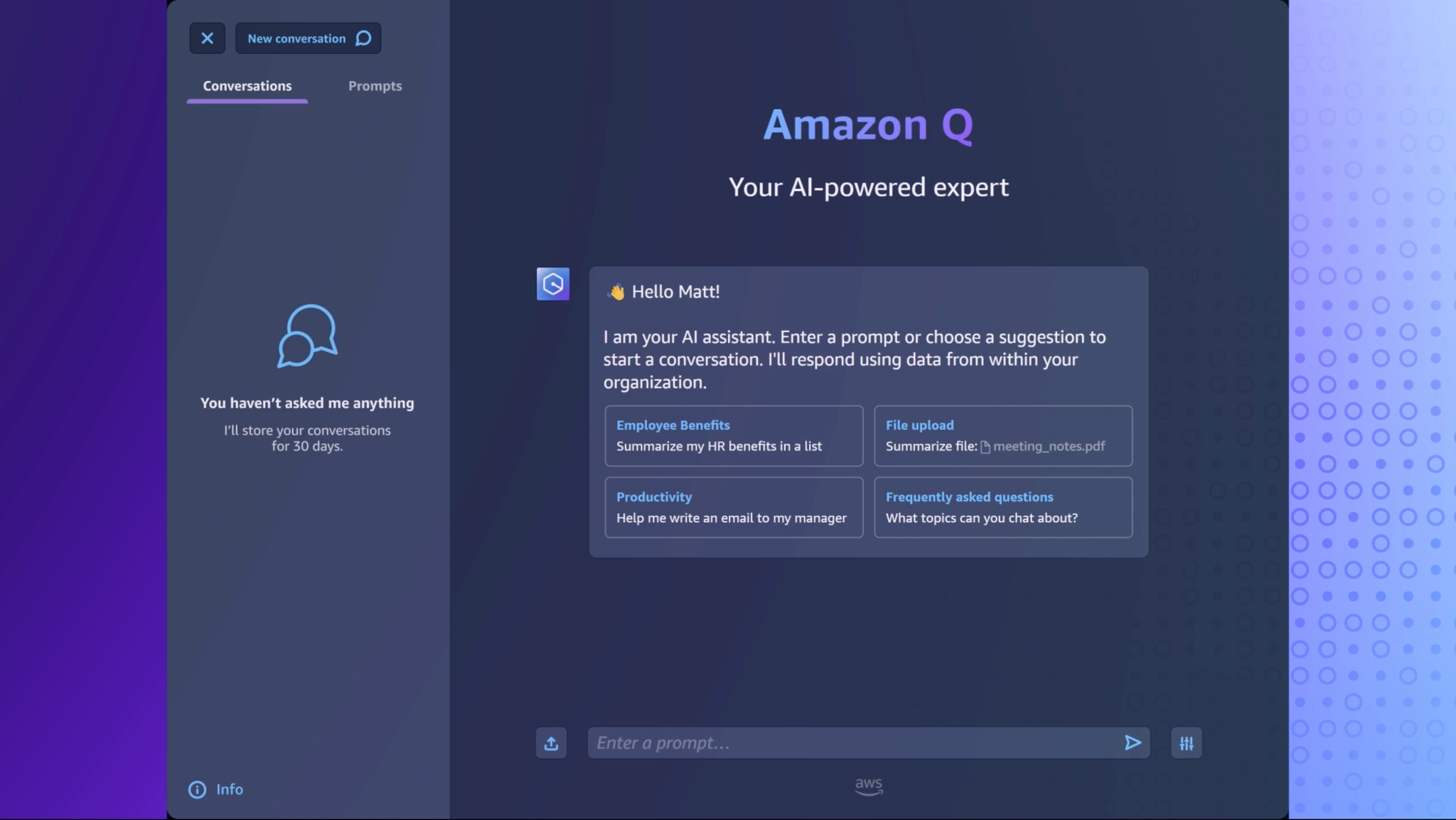
Amazon has long been at the forefront of automated customer service, setting the gold standard for customer experience among online stores. The company’s AI chatbots and virtual agents handle millions of customer queries daily, covering everything from purchase history, order management to returns and refunds.
SaaS: HubSpot’s Automated Ticketing Systems and Knowledge Base
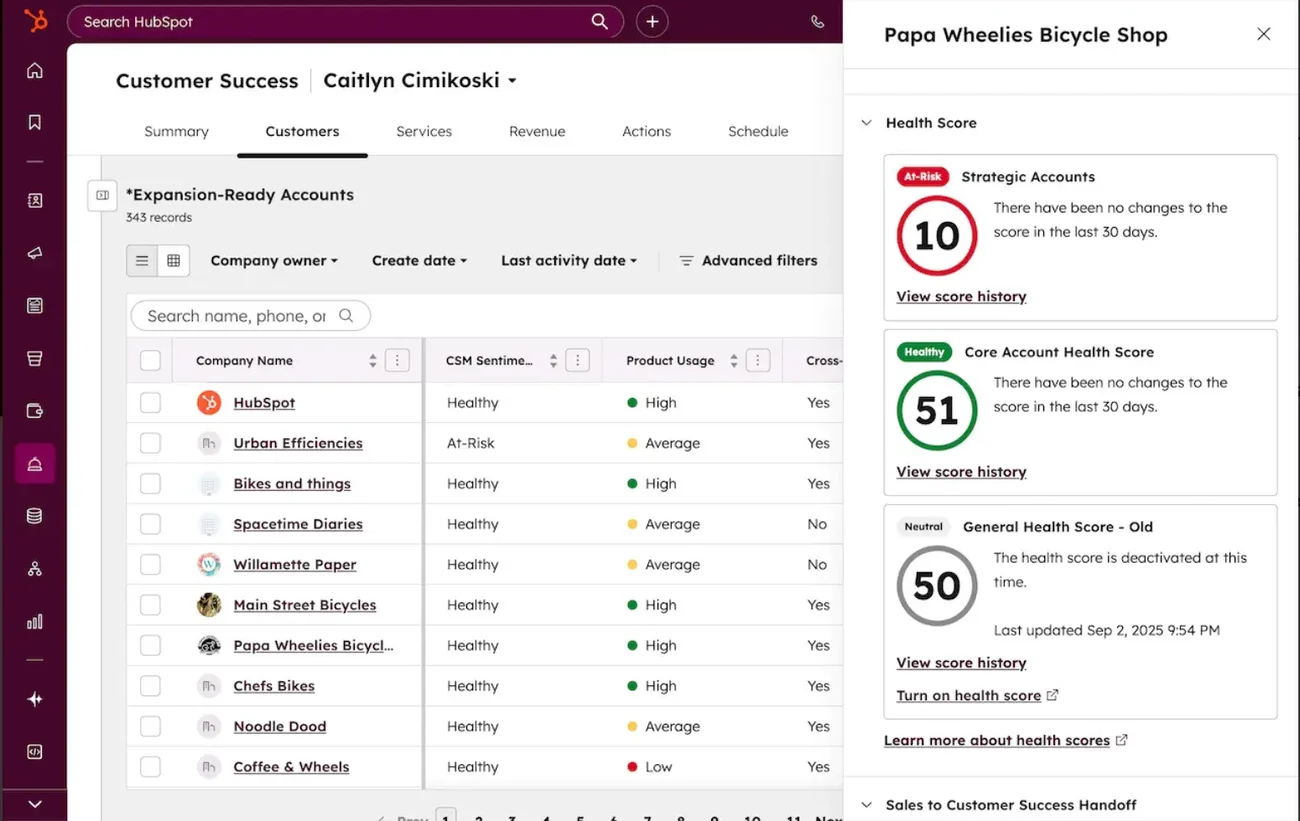
HubSpot, a leader in CRM and marketing automation, uses customer service automation internally to manage its large customer base. Through automated ticketing systems, email autoresponders, and a robust knowledge base, HubSpot ensures that users can quickly resolve common issues without needing to contact support agents directly.
Top 5 Customer Support Automation Tools in 2025
Now that we have gone through the basics, here are five of the best customer service automation tools in 2025, with insights into who they’re ideal for and when to avoid them.
1. Zoho Desk
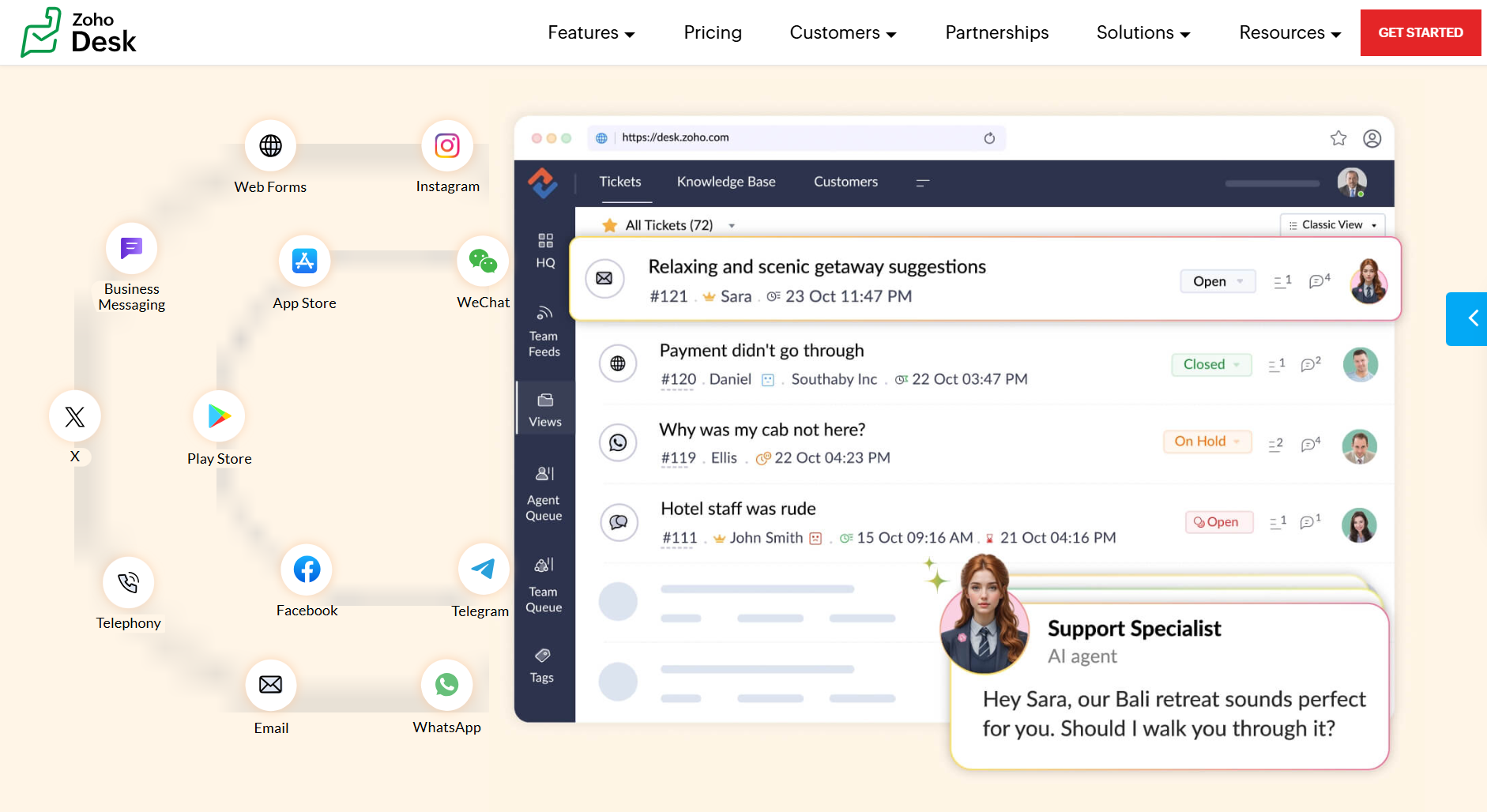 Zoho Desk is an all-in-one customer service platform that makes workflow automation accessible to teams of any size. With its AI assistant Zia, automated ticket routing, and integrated Knowledge Base, Zoho helps support agents manage support tickets efficiently while maintaining a smooth customer experience.
Who it’s best for:
- Small to medium-sized businesses that want affordable, scalable customer support automation.
- Teams looking to centralize self-service portals, ticket management, and email autoresponders in one place.
When to avoid:
- Large enterprises that need deep CRM or predictive analytics integrations.
- Companies with complex multi-channel support requirements across voice, chat, and social media.
- Also avoid if your team is non-technical and needs a genuinely simple setup — Zoho's depth becomes complexity quickly.
2. SalesforceService Cloud
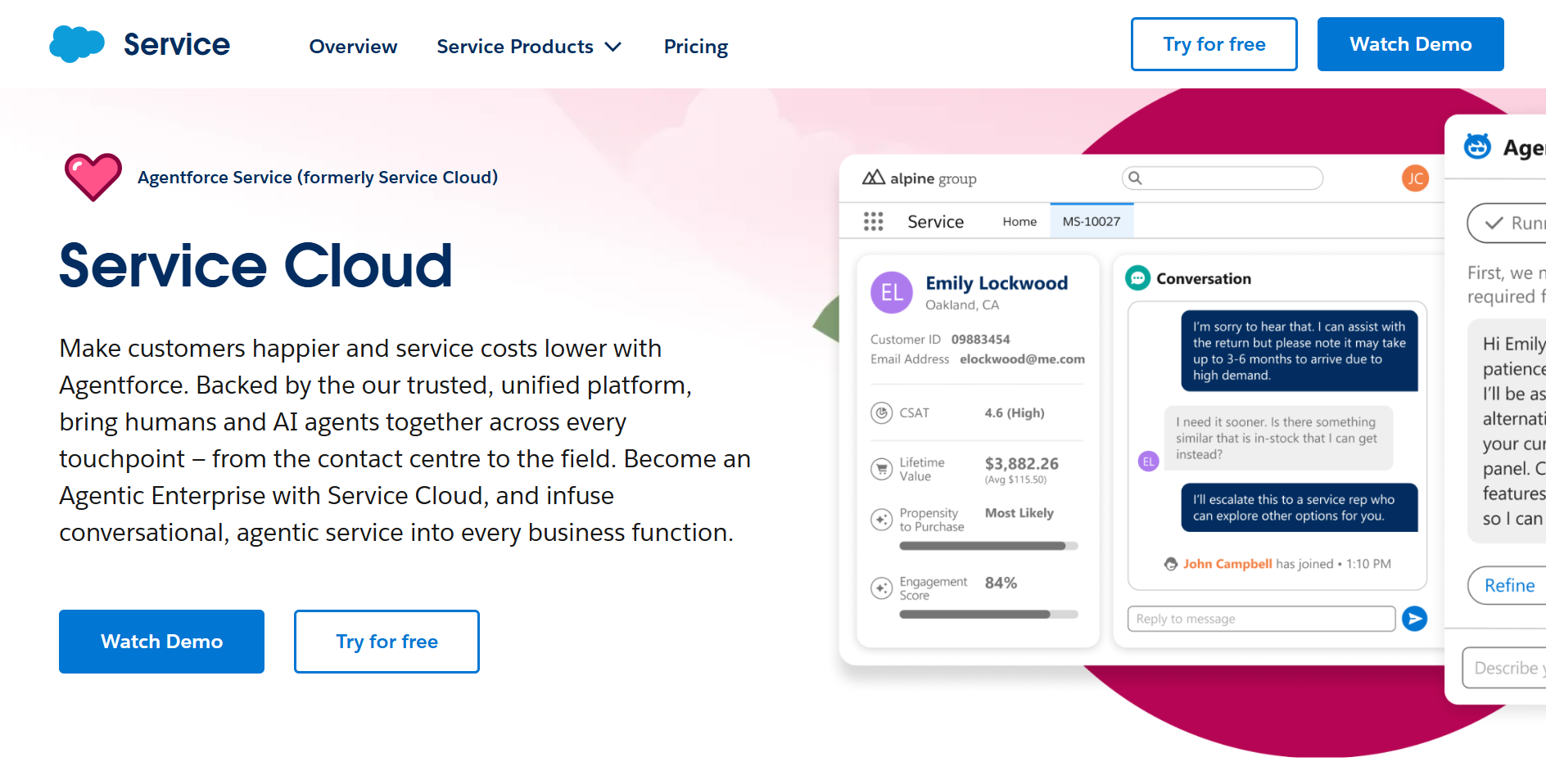 Salesforce Service Cloud is a powerhouse for AI-powered customer service and enterprise workflow automation. With Einstein AI, companies can use predictive analytics, case management, and automated triaging to deliver faster, more personalized customer experiences. Its analytics dashboards help leaders monitor CSAT surveys, customer satisfaction scores, and overall support performance in real time.
Who it’s best for:
- Enterprises and large organizations with complex customer service operations.
- Businesses that want to integrate automation into their CRM, marketing, and sales ecosystems for a complete customer journey view.
When to avoid:
- Avoid if your support is chat-first or chatbot-heavy — Service Cloud is built around case/ticket management, not conversational AI.
- Companies that don’t need advanced customization or AI-Powered Analytics.
3. Amio
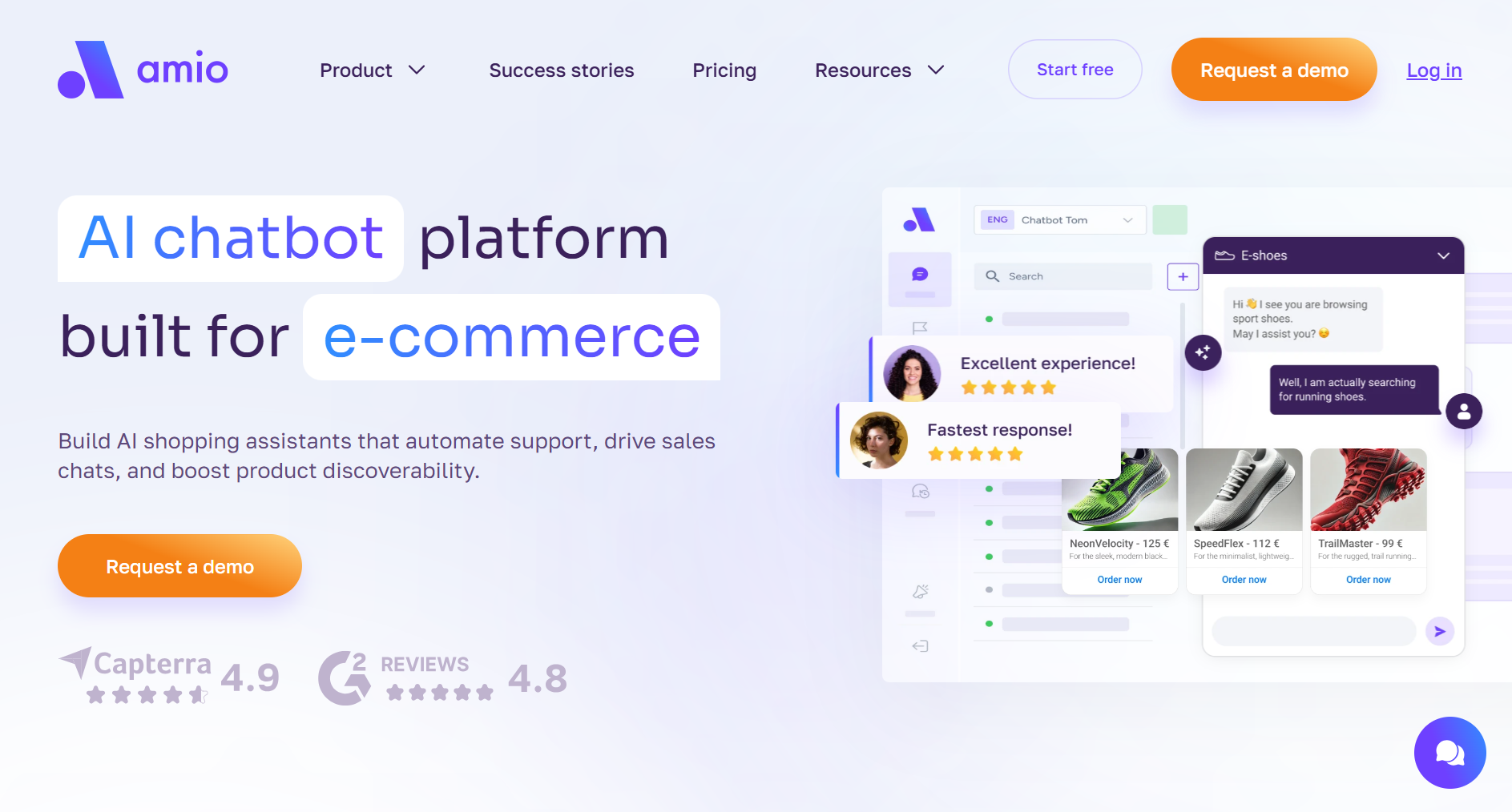 Amio specializes in AI chatbots using generative AI and omnichannel support automation. Its conversational AI agents can manage customer queries from social media, email, or web chat from a single dashboard. Amio offersmultilingual chatbots, workflow automation software and real-time data insights to help support teams automate ticket routing and boost response time without losing the human touch.
Who it’s best for:
- Companies scaling their AI-powered customer support and looking to integrate automation across multiple communication channels.
- Teams that want a balance between AI chatbots and human customer service handoffs.
When to avoid:
- Teams that need deep enterprise CRM integration (Salesforce, SAP) out of the box, or companies whose primary support channel is voice/phone rather than chat and messaging.
- Teams focused solely on traditional email-based support without chat or messaging channels.
4. LiveChat
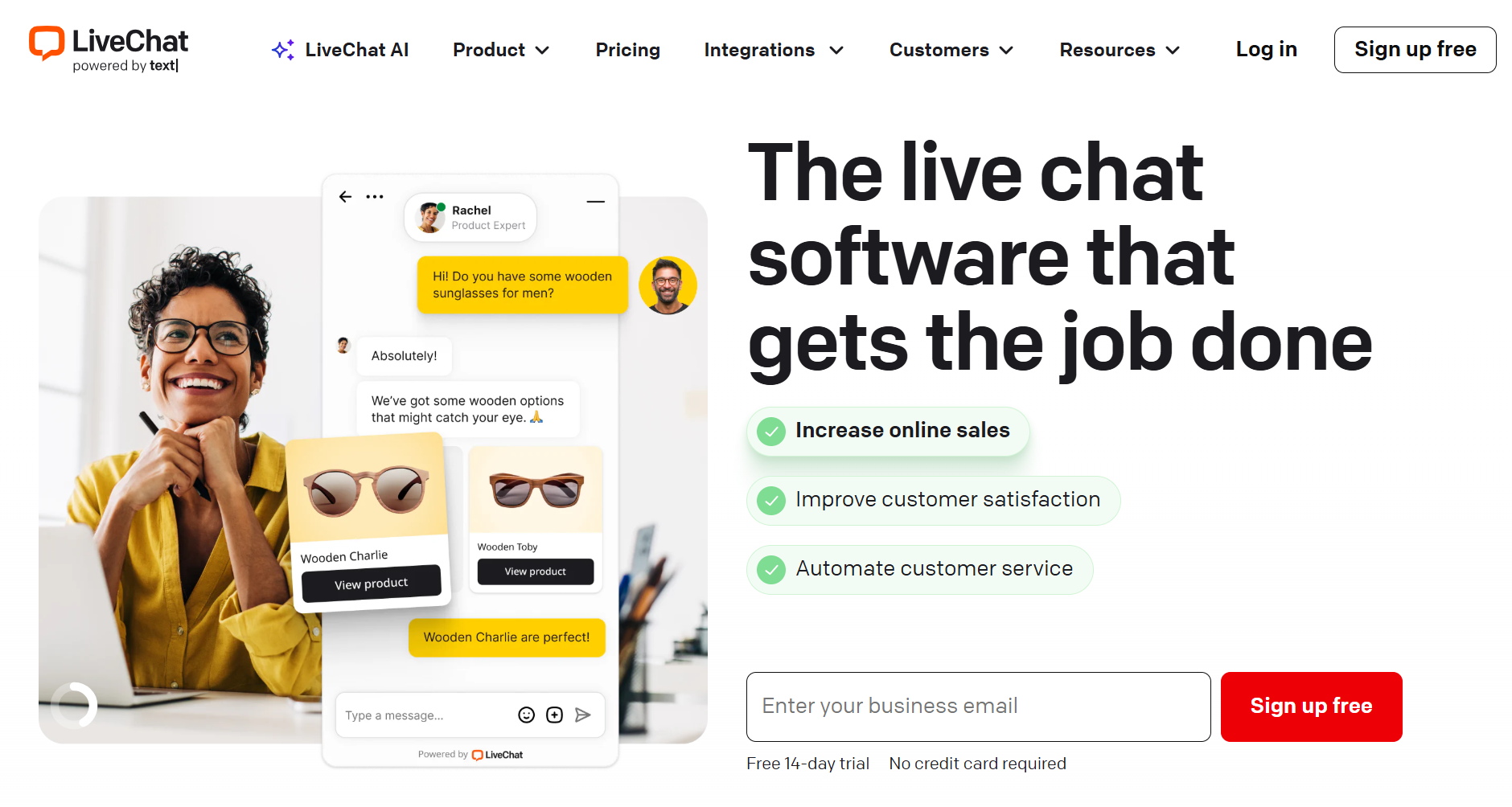 LiveChat blends human customer service with AI automation to deliver real-time communication. It supports AI agents, chatbot integrations, and ticketing system workflows, making it ideal for businesses that rely heavily on conversational channels. Its intuitive dashboard and automation software integrations help reduce response times and improve customer satisfaction.
Who it’s best for:
- Customer-centric brands that value personalized support and want to automate FAQs or after-hours responses.
- Companies looking for multi-channel support with human-to-bot transitions.
When to avoid:
- Teams seeking deep backend workflow automation or CRM management features.
- Enterprises needing highly technical AI-native solutions or predictive analytics.
- Avoid if you need strong AI automation without a human agent layer — LiveChat's chatbot is an add-on, not its core.
Conclusion
The stores getting the most from customer support automation didn't automate everything at once. They started with their highest-volume, most repetitive ticket type — usually order tracking — got it working, measured the deflection rate and CSAT, then expanded from there.
If you're handling more than 200 support tickets a week and your team is spending more than 40% of their time on the same three questions, automation isn't a nice-to-have. It's the most direct way to scale support without scaling headcount.
[See what that looks like for your store — book a 30-minute demo with Amio]
Table of Contents
Start building AI chatbots with Amio.
Book a 30-minute session where we will find out how AI bot can help you decrease call center costs, increase online conversion, and improve customer experience.
Book a demoWhat is Amio?
We understand your business on
Book a 30-min consultation session where we will discuss your support cost optimization potential, experience improvements, including our online conversion increase techniques
Request a demo