

Necessary cookies help make a website usable by enabling basic functions like page navigation and access to secure areas of the website. The website cannot function properly without these cookies.
Live Chat Best Practices to Keep Customers From Leaving
21% of live chat queries go unanswered. (G2) That’s not a small UX glitch. That’s lost customer experience, lost trust, and very often lost revenue. If your live chat support takes too long to respond, website visitors don’t “wait patiently.” They close the tab and leave.
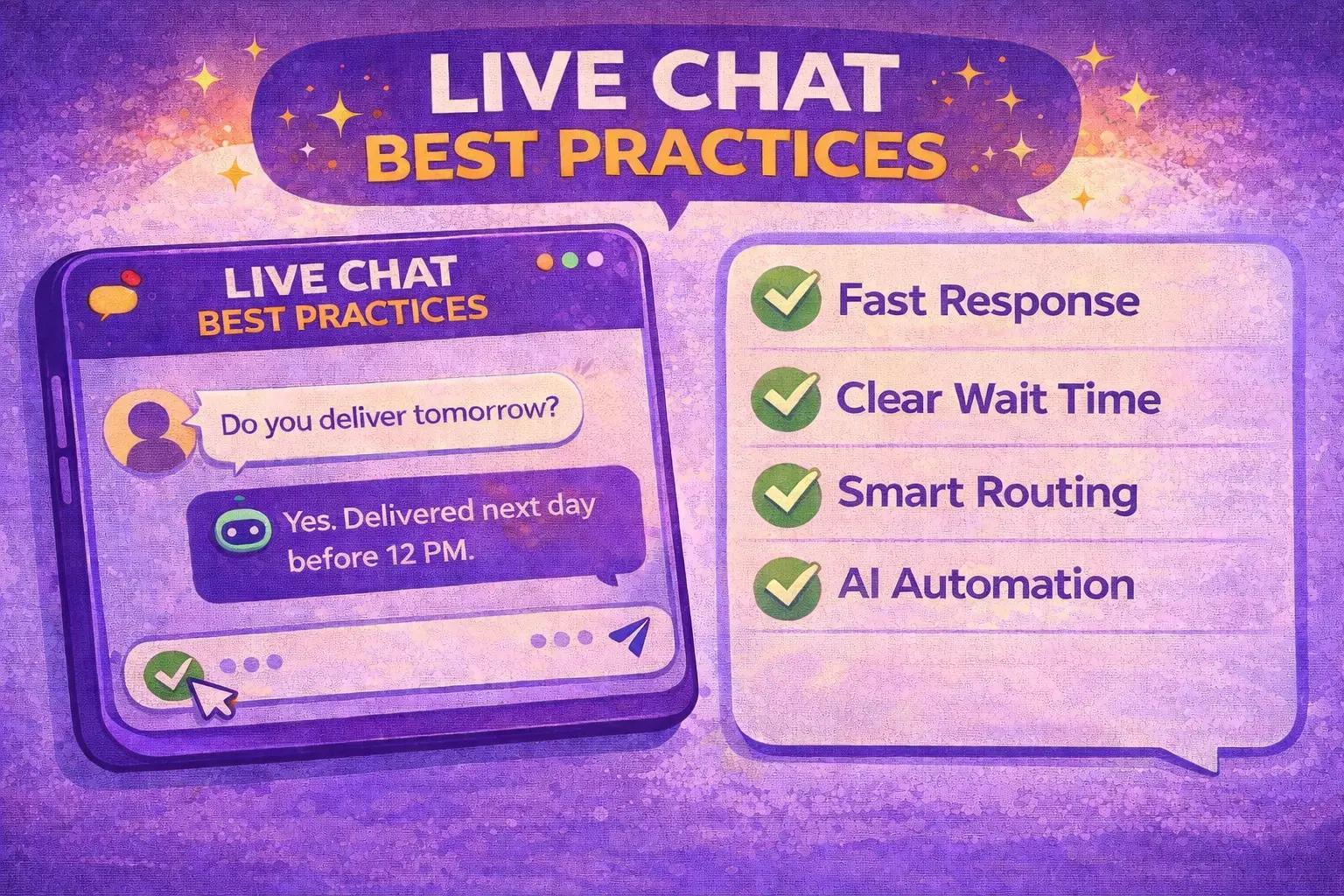
If you want to reduce customer abandonment in live chat, focus on four things:
- Delivering a First Response Time under 30 seconds
- Showing a clear estimated wait time
- Using smart routing before assigning an agent
- Automating high-volume requests like WISMO with an AI chatbot
Those are the live chat best practices that actually reduce drop-offs. In this guide, we’ll break down exactly:
- why customers abandon live chat conversations
- how to fix response times
- how to reduce live chat drop-offs
- and how to use AI chatbots without hurting the customer experience
You’ll also see how strong live chat support improves customer service metrics and even increases conversion rate by strengthening your conversion rate optimization across every critical customer touchpoint, from product pages to checkout. Let's begin.
🤔 Did you know that 38% of customers are more likely to buy when live chat is available? (Kayako) That makes response speed in live chat far more powerful than most teams think.
Why Customers Abandon Live Chat
Customers don’t abandon live chat because your support agent forgot an emoji. They leave mainly because of two things:
- Slow First Response Time
- Unclear wait time
That’s it. In live chat support, silence feels like absence, and uncertainty feels like risk. Now let’s fix it.
📊 In fact, 82% of customers expect an immediate response when they contact a company. (Hubspot)
Live Chat Best Practices to Reduce Customer Abandonment
Automated First Response Within 5 Seconds
Your first message doesn’t need to solve the problem. It needs to stop the customer from leaving.
In live chat support, the biggest abandonment trigger isn’t “bad answers”. It’s the moment a customer asks a question… and nothing happens. That’s why first response time is the #1 lever for reducing customer abandonment. If the first response time stretches past 30–60 seconds without feedback, customer satisfaction drops, and abandonment rates rise.
Example from the real world
A customer opens live chat during checkout and types: “Do you deliver tomorrow?” If they see silence for 30–60 seconds, they assume nobody is there, and the wait time will be long, so it’s faster to leave and buy elsewhere
A 5-second automated response changes the psychology completely. It doesn’t magically speed up your team, but it kills uncertainty.
How to do it
Set an instant auto-generated message that triggers instantly (0–5s). Keep it short. Don’t lie. Confirm the message was received, show estimated wait time, and optionally link to a Knowledge Base article for common frequently asked questions.
Example: “👋 We’ve got your message. A support agent will reply shortly. In the meantime, you can check our returns policy here: [link].”
That’s not a canned response pretending to be human. It’s proactive customer service. And when chat volume spikes, this simple layer protects your response speed and reduces pressure on your support team.
Display Estimated Wait Time
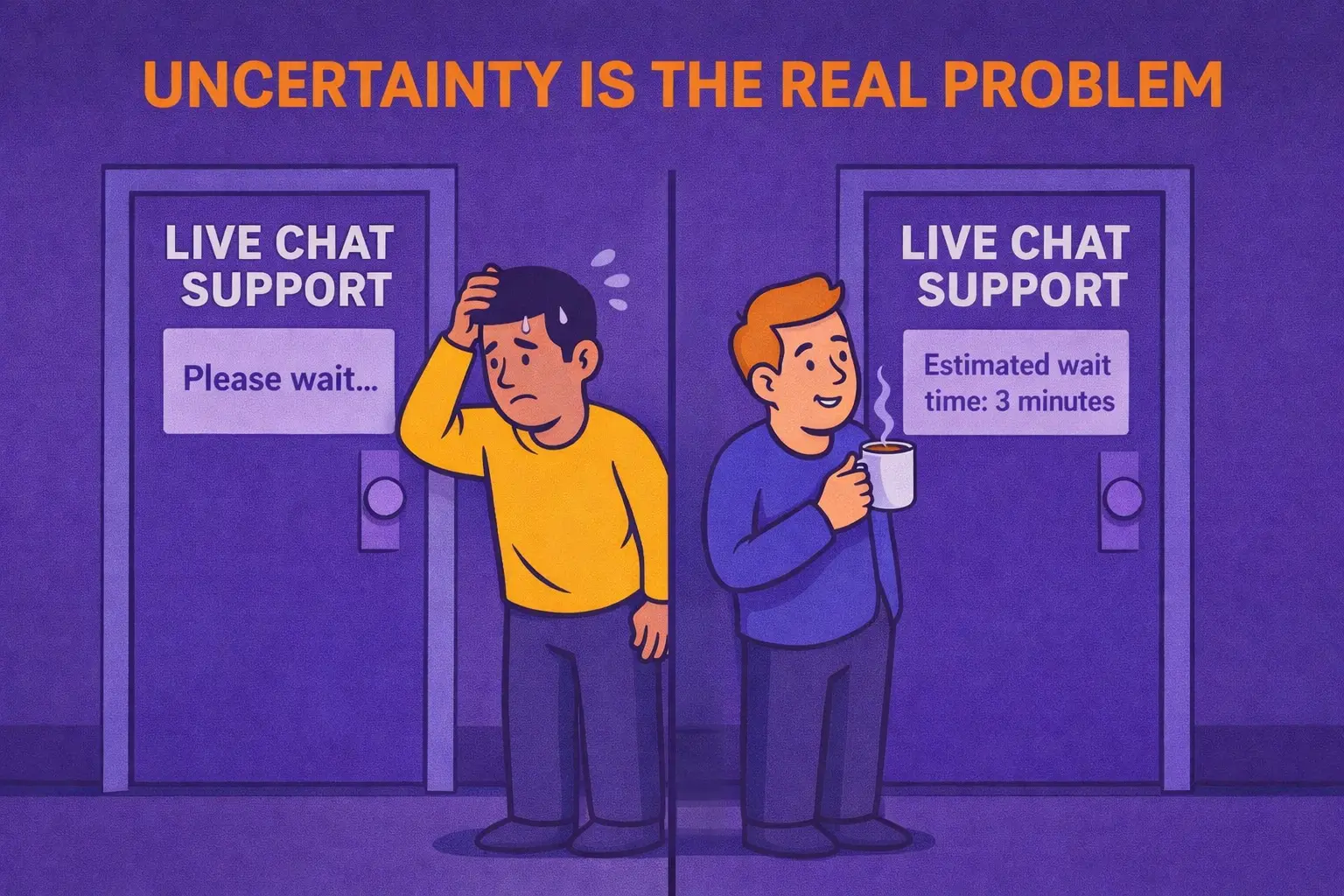
Customers tolerate waiting, but they don’t tolerate uncertainty. In behavioral economics, this is called ambiguity aversion (Ellsberg paradox). People prefer a predictable outcome, even if it’s slightly worse, over an uncertain one that might be better. The same rule applies in live chat support and every customer service channel.
A clear 4-minute waiting time feels safe. “Please wait…” feels risky. When customers see an estimated wait time, perceived response time drops, customer satisfaction improves, and abandonment rates decrease, even if your actual response times stay the same.
Real-World Example
A visitor opens live chat during peak chat volume.
- Option A: “Please wait for the next available support agent.”
- Option B: “Estimated wait time: 3–4 minutes.”
With Option B, the psychology shifts instantly. Four minutes? Customers can grab a coffee, scroll TikTok, reply to messages, even take a quick bathroom break, and are far more likely to stay engaged instead of abandoning the conversation.
How to Do It
Use dynamic wait time calculation inside your live chat software based on chat concurrency and agent utilization rate. Display the estimate immediately after the first auto-generated message.
If wait time exceeds 5–7 minutes, offer alternatives:
- link to your knowledge base
- option to receive an email reply
- another support channel
Clarity improves customer experience. Predictability improves response speed perception. And better perception means lower abandonment rates across your live chat support.
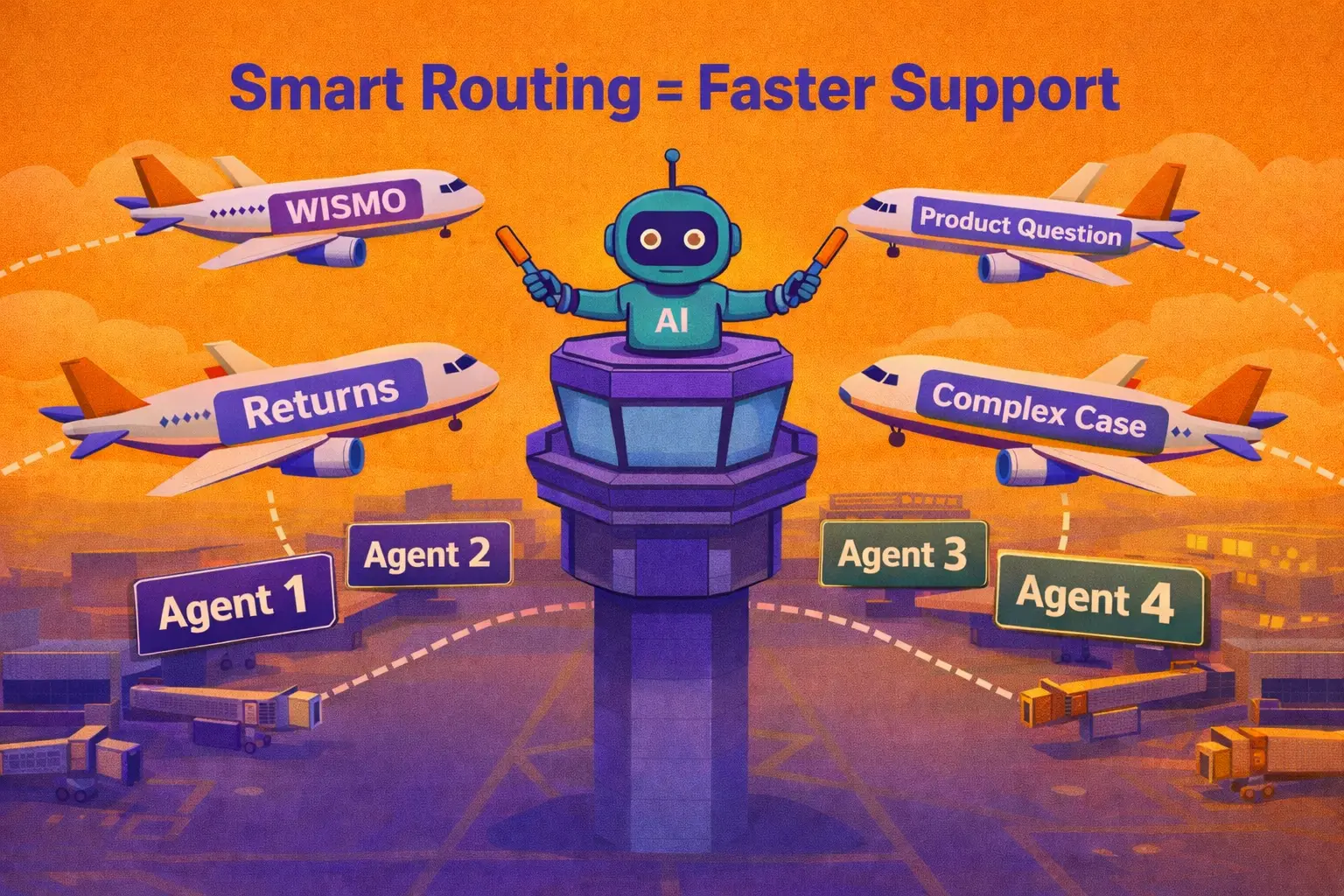
Smart Routing Before Agent Assignment
Before a support agent even sees the message, your system should know what it is. That’s how you protect your first response time, reduce abandonment rates, and improve overall customer satisfaction in your live chat support.
If every conversation lands randomly in a shared inbox, your response times slow down, and your support team burns out. Smart routing fixes that.
Real-World Example
A customer opens live chat and writes: “I ordered 3 days ago and haven’t received anything.”
Without routing, it waits in a general queue. With smart routing, the system detects a WISMO question and either:
- sends automated order tracking link instantly via AI chatbot
- or routes directly to the correct support agent
How to Do It
Start simple. Define 3–4 core categories inside your live chat support. Typical live chat categories are:
- WISMO (Where Is My Order)
- Returns & refunds
- Product questions
- Complex issues requiring human escalation
You can add a lightweight pre-chat form or one smart auto-generated message that captures key context (order number, product name, issue type).
Then, use intent recognition inside your live chat or help desk software. Your system should detect customer intent, tag the conversation, assign it to the right support channel or agent, and trigger automation for high-volume queries.
Automate High-Volume Queries (WISMO, FAQs)
This is the most advanced live chat best practice on this list. And it’s also the one that creates the biggest performance shift.
If 40–60% of your chat support volume consists of WISMO, return policies, product availability, or repetitive FAQs, your support team shouldn’t be handling those manually.
This is where an AI chatbot changes the game.
Real-World Example
A customer opens live chat and types:
- “Where is my order?”
- “What’s your return policy?”
- “Do you ship internationally?”
Instead of waiting for a support agent to respond to this question for the 7th time this day, increasing wait time and hurting customer experience, the AI chatbot can:
- identify the customer, trigger the correct automated workflow, and send the order tracking link instantly
- link the correct knowledge base article for delivery information or return policy
The result is simple. Response speed improves, agent utilization rate increases, and your live chat support becomes scalable even during peak chat concurrency. This is how you protect customer satisfaction during peak chat volume.
How to Do It
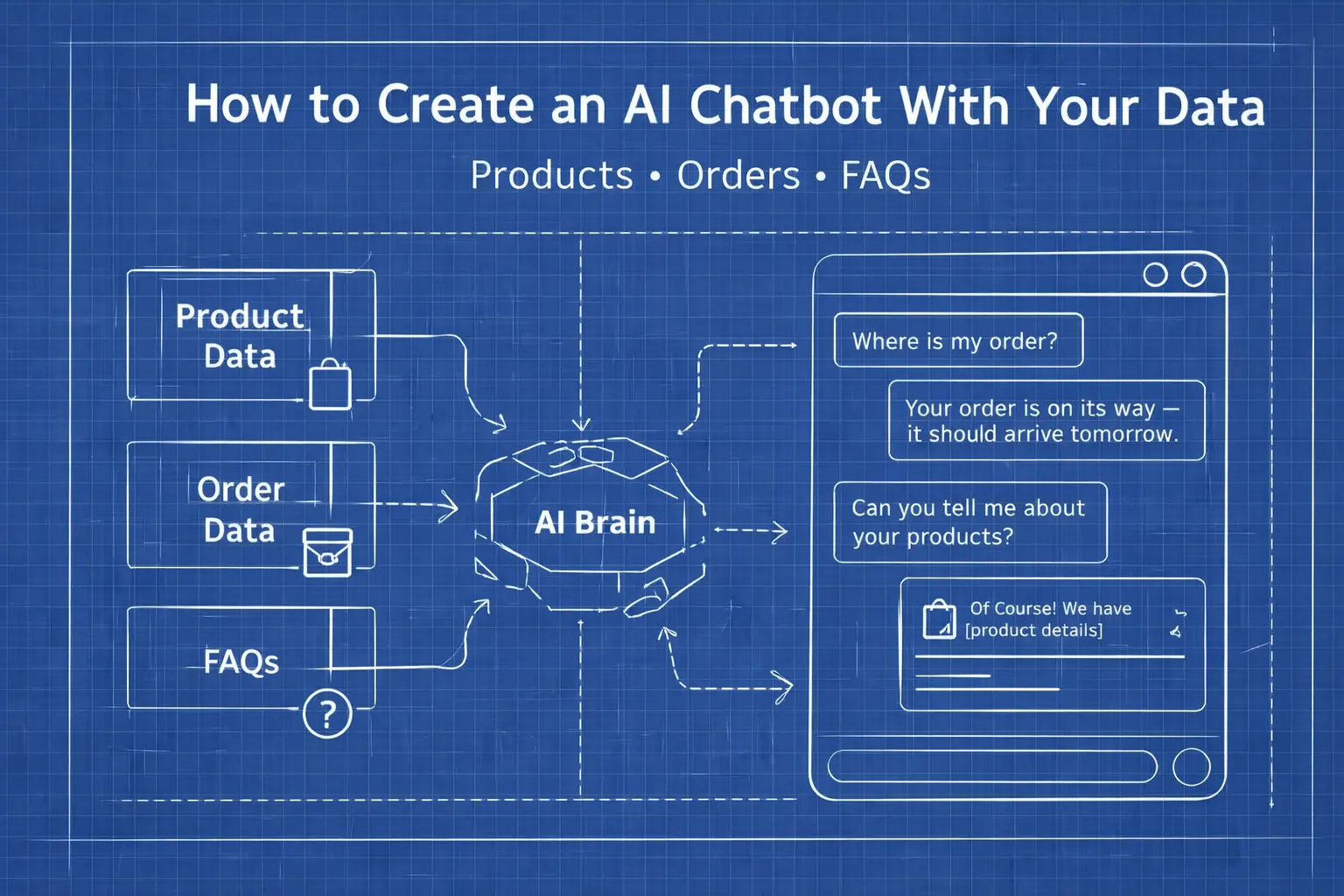
If you’re building an AI chatbot from scratch, start by reading our guide on how to build a chatbot. It explains the architecture, integrations, and what actually makes AI chatbots work inside real-life chat support.
Now, let’s break down the key automation steps you need to implement.
Start with data analysis inside your help desk software. Identify your top high-volume queries and measure how much of your chat support capacity they consume.
Then, define clear automation scenarios. And, be brutally specific. Your AI chatbot won't be able to answer everything. It should handle only predictable, repetitive queries that slow down your support team. Define:
- What questions trigger automation
- What the optimal response looks like
- When to escalate to a support agent
Automation should protect customer experience, not damage it.
Next step. Choose the right chatbot provider. Building an AI chatbot completely on your own is like opening a restaurant because you “just need lunch.” Technically possible, but there are easier ways to eat.
If you’re evaluating chatbot vendors, start by reading our Best Ecommerce Chatbots Compared (20+ Tools for 2026). Compare leading AI chatbots and choose a solution that supports automation, routing algorithms, and integration with your customer support and order management software.
Once you have the tool, connect it to the right data. A chatbot without data is just a slightly smarter auto-reply machine. To make customer support automation actually useful, connect it to:
• CRM tools (customer profile, previous interactions)
• Order management system (real-time order status)
• Product feed (availability, pricing, variants)
• Knowledge Base or store policies (returns, delivery, FAQs)
Upload structured store policies, delivery information, FAQ documents, and give access to product data. That’s how your AI chatbot delivers accurate answers instead of generic canned responses.
That's it. Now, your AI chatbot is ready to carry real chat volume, not just greet visitors.
How Faster Live Chat Response Increases Conversion Rate
Live chat abandonment isn’t complicated. Customers don’t abandon live chat because they dislike your brand. People leave when nothing happens or when they don’t know what’s happening. Reduce first response time. Show estimated wait time. Route conversations intelligently and automate repetitive queries with AI chatbots. That’s it.
When live chat support responds fast, website visitors feel safe. When uncertainty disappears, customer experience improves. And yes, fast responses can absolutely lift conversion rates, because buying hesitation gets resolved instantly.
Live chat best practices aren’t about writing better chat scripts. They’re about designing a system that protects response speed, improves customer experience, and supports your team during peak chat volume.
And if your support team simply can’t respond fast enough, the solution isn’t to hire more agents. It’s to build a smarter automation with AI chatbots. And now, after reading this article, you know exactly how to do it.
Table of Contents
Start building AI chatbots with Amio.
Book a 30-minute session where we will find out how AI bot can help you decrease call center costs, increase online conversion, and improve customer experience.
Book a demoWhat is Amio?
We understand your business on
Book a 30-min consultation session where we will discuss your support cost optimization potential, experience improvements, including our online conversion increase techniques
Request a demo