
Necessary cookies help make a website usable by enabling basic functions like page navigation and access to secure areas of the website. The website cannot function properly without these cookies.
How to Choose a Customer Communication Platform in 30 Minutes
A customer communication platform is software that brings conversations from channels like email, live chat, social media messaging, or voice into one place, so teams can manage customer interactions in a single inbox without switching between ten different tools.
The idea sounds simple. But choosing the right platform isn’t always straightforward. Every vendor promises the same thing: better customer experience, omnichannel communication, and AI-powered support.
Choosing between them can feel a bit like comparing ten identical screenshots and trying to guess which one actually works better. So how do you actually choose the right platform?
In this guide, you’ll learn how to choose a customer communication platform in 30 minutes, which features actually matter, and how to avoid the mistakes companies make when building their customer support stack.
What Is a Customer Communication Platform?
A customer communication platform is software that helps businesses manage conversations with customers across channels like email, live chat, messaging, and voice from one place.
Customer Communication Management (CCM) software is a term often used interchangeably with the term customer communication platform. Both describe tools that help businesses manage customer conversations and see all customer interactions in a single workspace.
Why Businesses Need a Customer Communication Platform
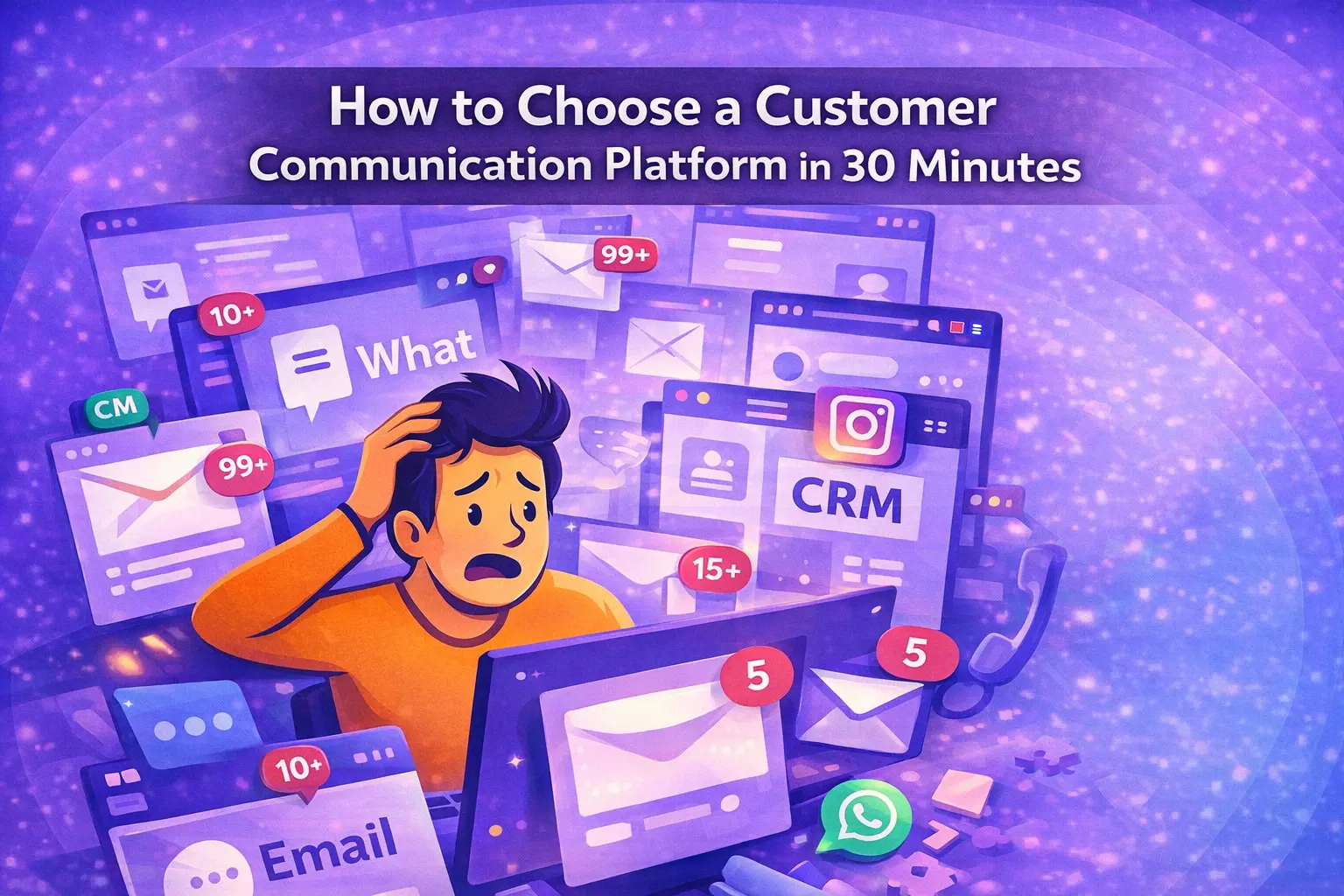
A question arrives in an email. Another appears in live chat. Someone sends a message on Instagram. Meanwhile, a support ticket sits in the helpdesk waiting for a reply. Suddenly, your team is switching between five tools just to manage a few simple customer interactions.
It starts to feel less like customer support and more like a digital game of whack-a-mole.

This is exactly why customer communication platforms exist. Instead of scattered conversations, it brings email, chat, social media messaging, and other channels into one omnichannel communication platform, making it easier for teams to manage customer support and keep the entire customer journey organized.
And the impact can be significant. Research shows that companies using strong omnichannel communication strategies retain up to 91% more customers compared to companies without omnichannel engagement. (opentext.com)
What is the difference between CRM and CCM?
A Customer Communication Management (CCM) software, a Customer Relationship Management (CRM), and a help desk all deal with customer interactions, but they solve different parts of the customer experience. Think of it this way:
- A CRM (Customer Relationship Management system) stores customer data and tracks relationships with leads and customers.
- A help desk manages support tickets and helps teams resolve customer issues.
- Customer Communication Management (CCM) focuses on the conversations themselves, bringing messages from email, chat, social media, and other channels into one omnichannel communication workspace.
In practice, these tools often work together. For example, a customer might send a question through live chat. The customer communication management platform receives the message and allows your team to reply. If the issue needs tracking, it can create a ticket in the help desk. Meanwhile, the customer’s profile and interaction history are stored in the CRM.
Key Features of a Customer Communication Platform
Choosing a customer communication platform doesn’t have to take weeks of demos and sales calls. In most cases, you can narrow down the right CCM tool in about 30 minutes.
Instead of focusing on long feature lists, evaluate platforms based on a few core capabilities that directly affect how your team manages customer conversations. Use the steps below to quickly evaluate whether a platform fits your needs.
1. Omnichannel Communication
At the core of any customer communication platform is omnichannel communication, the ability to manage conversations from multiple channels in one workspace.
Instead of checking separate inboxes, your team should be able to handle messages from email, live chat, messaging apps, and voice from a single interface.
Otherwise support agents end up jumping between tabs like air traffic controllers managing five runways at once.
Example: An e-commerce brand selling across Europe receives customer questions through email, Instagram, and live chat. Before implementing an omnichannel platform, agents had to switch between tools and often missed context. After moving to a unified inbox, agents could see the full conversation history in one place, reducing response time and avoiding duplicate replies.

Key Features of Strong Customer Communication Platforms
- centralized inbox for multiple communication channels
- clear conversation history within each channel
- fast search across past conversations
Checklist for Evaluating a Customer Communication Platform
During a demo or trial version, check whether the platform:
- shows conversations from multiple channels in one workspace
- makes it easy to search previous interactions
- allows agents to quickly understand customer context without opening multiple tools
If agents still need to open three different tools just to understand one customer request, the platform isn’t the platform isn’t truly omnichannel.
2. AI Automation and Tools
As support volume grows, automation becomes one of the most valuable capabilities of a customer communication platform.
Modern platforms use automation, chatbots, or AI-assist tools to help teams handle repetitive requests and route conversations more efficiently. Without it, support teams often end up acting like very expensive copy-paste robots.
Curious how much customer service can actually be automated? We break down real use cases, benefits, and tools in our complete guide to customer service automation.
With automation, on the other hand, Insteaid of answering the same questions all day, support agents can focus on complex issues where human help actually matters.
Think of it as giving your support team a very fast assistant that never sleeps and never asks for coffee breaks.
Example: A typical online store receives hundreds of daily questions like “Where is my order?” or “How do I return this product?”. With automation in place, these requests can be answered instantly without human involvement, allowing the support team to focus on complex or high-value conversations.
Key Features of Strong Customer Communication Platforms
- automated conversation routing to the right team
- AI chatbot support for common questions
- AI assist that suggests replies to agents
- automatic tagging or categorization of conversations
Checklist for Evaluating a Customer Communication Platform
Think about the most common customer questions your team receives. Most support teams know these questions by heart; they’re the greatest hits of customer support.
For example:
- “Where is my order?”
- “How can I return this product?”
- “Do you ship internationally?”
Then check whether the platform can automatically respond to these questions or assist agents with suggested replies. If every message still requires manual work, the platform will struggle once your support volume grows.
3. Integrations With Your Existing Tools
A customer communication platform rarely works alone. It should connect with the rest of your customer experience stack.
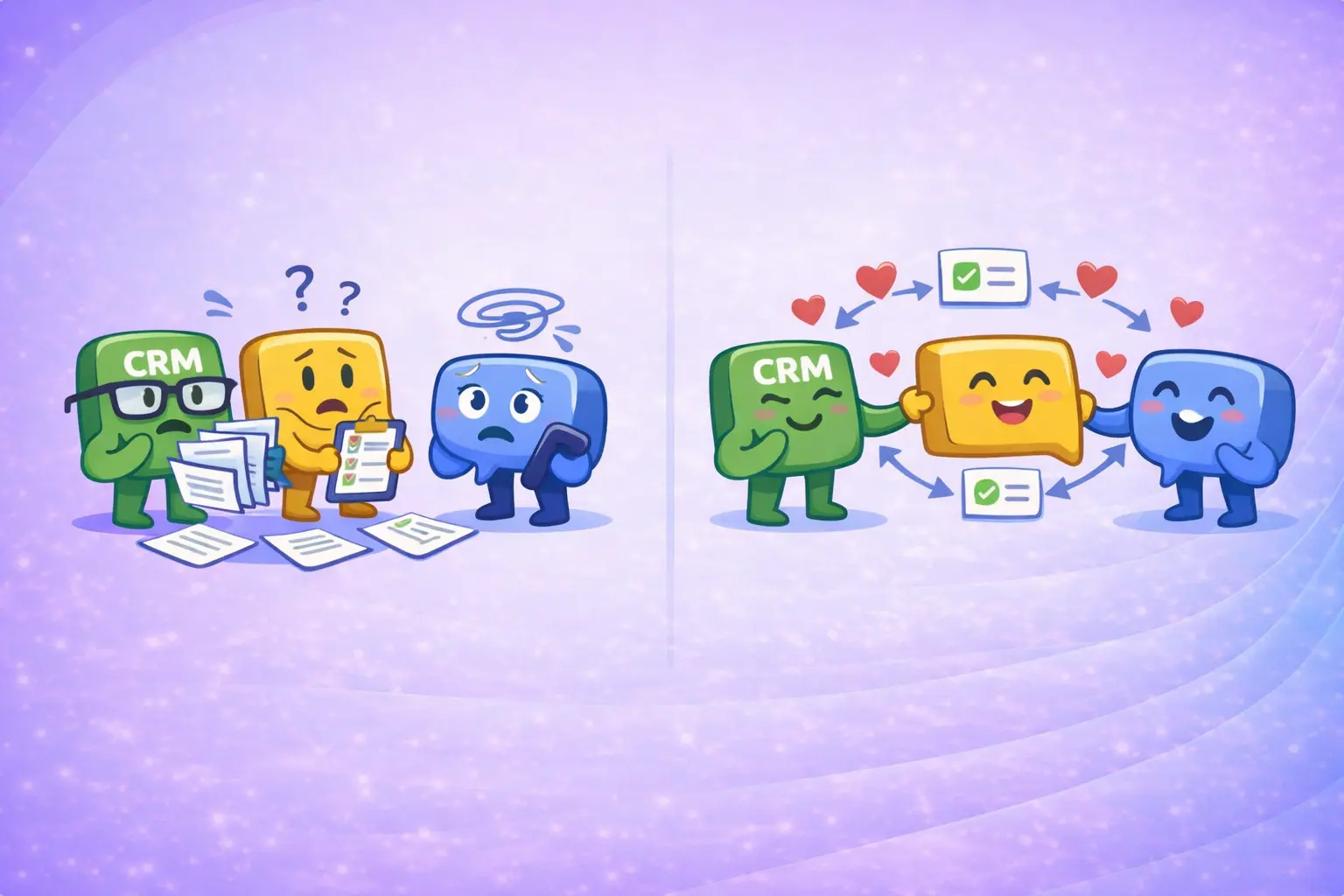
When tools don’t integrate properly, it’s a bit like coworkers who refuse to share information. Everyone works harder, but nothing moves faster.
Look for integrations with:
- a CRM for customer data
- a helpdesk or ticketing system
- an e-commerce platform
- analytics or reporting tools
Example: A customer asks about their order status. Without integrations, an agent needs to open the e-commerce system, find the order, and copy the information back into the reply. With proper integrations, order data is automatically visible inside the conversation, reducing handling time and eliminating manual work.
Key Features of Strong Customer Communication Platforms
When evaluating a platform, check how easily it connects with these tools. Good platforms offer integrations through APIs or webhooks, allowing conversations, orders, and customer profiles to stay synchronized.
Checklist for Evaluating a Customer Communication Platform
Ask these questions during the evaluation:
- Can the platform access customer data from our CRM?
- Can conversations create or update helpdesk tickets automatically?
- Can it connect with our e-commerce platform to see order information?
If agents constantly need to copy information between tools, the platform will quickly slow down your support workflow.
4. Data and Analytics
Finally, strong platforms help teams understand and improve their support operations through data and analytics.
Without data, running customer support is a bit like driving a car without a speedometer. You’re moving, but you have no idea how well you’re actually performing.
By analyzing response times, conversation volume, and support performance, teams can identify bottlenecks and improve the overall customer experience.
Some platforms also use first-party data and AI-powered insights to help companies understand customer behavior and optimize their communication strategy.
Example: A support team notices that response times increase every Monday, but without clear data, they don’t know why. With analytics, they identify a spike in order-related questions after weekend campaigns and adjust staffing accordingly.
Key Features of Strong Customer Communication Platforms
- response time tracking
- conversation volume analytics
- resolution time monitoring
- customer satisfaction signals
Checklist for Evaluating a Customer Communication Platform
The easiest way to see whether a platform provides useful insights is simply to open the reporting dashboard and ask:
- Can we quickly see how fast we respond to customers?
- Can we track support performance over time?
- Can we identify the most common customer issues?
If the platform doesn’t provide clear insights into your support operations, improving them becomes much harder.
Which Customer Communication Management tool is best?
The best platforms combine omnichannel communication, strong integrations with e-commerce tools, and automation that helps support teams manage large volumes of customer interactions.
Each of these tools solves customer communication in a slightly different way, which is why choosing the right one often depends on how your support team actually works.
If you want to consider more providers, we’ve put together a detailed comparison of the best e-commerce customer communication platforms, covering 20+ tools and how they handle automation, customer conversations, and support workflows.
Quick Checklist: Is This the Right Customer Communication Platform?
If you’re comparing multiple tools, use this simple scorecard to rate each customer communication platform across the four features that matter most: omnichannel communication, AI automation, integrations, and analytics. Score each platform from 1 to 10 in each category, then compare the total. The highest score does not automatically mean “best”. It just helps you make the shortlist faster.
| Evaluation Criteria | ||||
|---|---|---|---|---|
| Rate each provider from 1 to 10 | ||||
| Omnichannel | ||||
| AI Automation | ||||
| Integrations | ||||
| Analytics | ||||
| Total Score | 0 | 0 | 0 | 0 |
Intercom
Intercom is one of the best-known customer communication platforms, especially for companies that rely heavily on live chat and messaging. It focuses on conversational support, automation, and customer engagement.

Intercom
Best for chat-first teams
✔ Strengths
- Pricing scales quickly with usage and add-ons
- Automation and AI support features
- Modern UI and great user experience for support teams
❌ Limitations
- Can get expensive quickly
- Automation requires setup and ongoing optimization
- Not designed for handling high volumes of repetitive support efficiently
Many companies use Intercom when they want customer conversations to feel more like a real-time chat and less like a support ticket queue.
Zendesk
If customer support platforms had a “corporate classic,” Zendesk would probably be it. It combines ticket management, omnichannel messaging, and analytics in a single system.

Zendesk
Best for enterprise teams
✔ Strengths
- Mature helpdesk and ticket management
- Strong reporting and analytics
- Large ecosystem of integrations
❌ Limitations
- Complex setup and steep learning curve
- Pricing increases significantly with advanced features
- Feels heavy and less flexible for fast-moving teams
Many companies use Zendesk as the backbone of their customer experience stack, especially when support operations become more complex.
Front
Front positions itself as a modern customer communication platform built around a shared inbox. It combines email, chat, and collaboration tools so teams can manage conversations together.
Front
Best for small teams
✔ Strengths
- Simple shared inbox for customer communications
- Strong team collaboration features
- Easy integrations with CRM and productivity tools
❌ Limitations
- Limited automation and AI capabilities
- Not built for handling high-volume support at scale
- Lacks advanced analytics and reporting
Front is often used by smaller support teams that want to manage customer communications without a heavy helpdesk system.
Aircall
Aircall focuses primarily on voice and phone support, but integrates with many communication platforms and CRMs.

Aircall
Best for phone support
✔ Strengths
- Cloud-based voice communication
- Call analytics and performance insights
- Strong integrations with support tools
❌ Limitations
- Focused primarily on voice, not true omnichannel
- Requires additional tools for full customer communication workflows
- Limited automation outside of call handling
It’s a strong option for companies where phone conversations are still a major part of customer support.
If phone support is a major part of your workload, it’s also worth looking at how much of it can actually be reduced. We break down how companies use call deflection to cut call center costs by up to 90% in this article.
AMIO
Most traditional platforms help teams manage conversations. AMIO focuses on automating them.
Instead of just organizing messages from email, chat, and messaging apps, AMIO uses the newest AI models and generative AI to automatically handle a large portion of incoming customer support requests.
The difference is a bit like driving a car versus driving one with autopilot. Both get you to the destination, but the second one removes a lot of the repetitive work along the way.
For e-commerce companies dealing with high volumes of messages, this can significantly reduce response times and free up support teams to focus on more complex customer interactions.

AMIO
Best for automation-first teams
✔ Strengths
- Automates a large share of repetitive customer requests
- Handles high-volume support without scaling team size
- Built specifically for e-commerce conversations and workflows
❌ Limitations
- Requires initial setup to align with your support workflows
- Less focused on traditional ticket-based support workflows
To understand how much of your support can actually be automated, take a closer look at how AI chatbots handle real customer conversations.
Conclusion
Choosing a customer communication platform doesn’t have to be complicated. At its core, the right platform simply helps your team manage customer interactions across channels without jumping between tools.
When conversations from email, live chat, messaging apps, and voice live in one place, customer support becomes faster, more organized, and much easier to scale.
Instead of a noisy group of disconnected tools, your support team can finally operate more like an orchestra where everything plays in sync.
The key is focusing on what actually matters:
- omnichannel communication
- useful automation and AI tools
- strong integrations with your existing systems
- clear analytics and customer insights
If a platform can centralize customer conversations, automate repetitive requests, and give your team better visibility into the customer journey, you're already on the right track.
As Harvard Business Review highlights, companies that focus on improving customer experience consistently outperform competitors in long-term growth. So, the goal isn’t just managing conversations, it’s making every customer interaction feel effortless for both your team and your customers.
Table of Contents
Start building AI chatbots with Amio.
Book a 30-minute session where we will find out how AI bot can help you decrease call center costs, increase online conversion, and improve customer experience.
Book a demoWhat is Amio?
We understand your business on
Book a 30-min consultation session where we will discuss your support cost optimization potential, experience improvements, including our online conversion increase techniques
Request a demo