

Necessary cookies help make a website usable by enabling basic functions like page navigation and access to secure areas of the website. The website cannot function properly without these cookies.
Salesforce AI Pricing: Seats, Credits & Add-Ons Explained
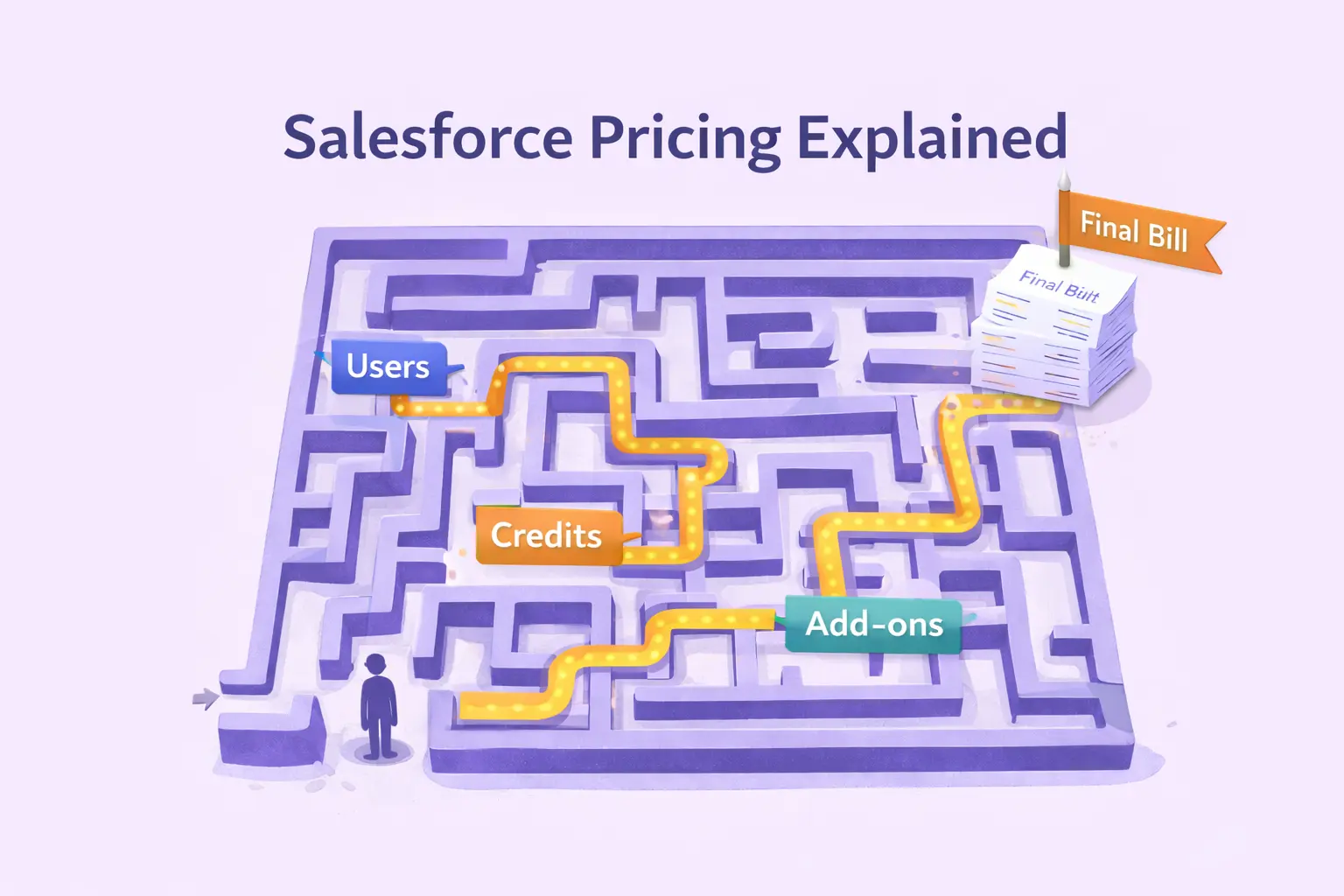
Salesforce AI pricing isn’t one fixed price.
The total cost depends on how many users need AI in the Salesforce Platform, how much real-time data and customer activity flows through your systems (Data Cloud), and which AI solutions you activate - AI agents, chatbots, predictive analytics, or generative AI features like Salesforce Einstein.
Why Salesforce AI Pricing Is So Hard to Understand
Salesforce AI pricing is confusing because Salesforce doesn’t sell one AI product. It sells AI capabilities across multiple clouds, using two pricing models at the same time:
- a fixed monthly fee for users (sales reps, service reps, admins) who use AI tools like Einstein Copilot or Agentforce
- a variable usage model for what happens at scale (customer-facing AI agents, Data Cloud processing, and AI actions that consume credits)
In this article, we’ll translate all of that into plain English so you can estimate costs before you sign, not after AI is already live.
Not sure what Salesforce AI really includes before looking at pricing? We’ve already explained what Salesforce AI actually is in this article.
Salesforce AI Pricing Breakdown (3 Key Parts)
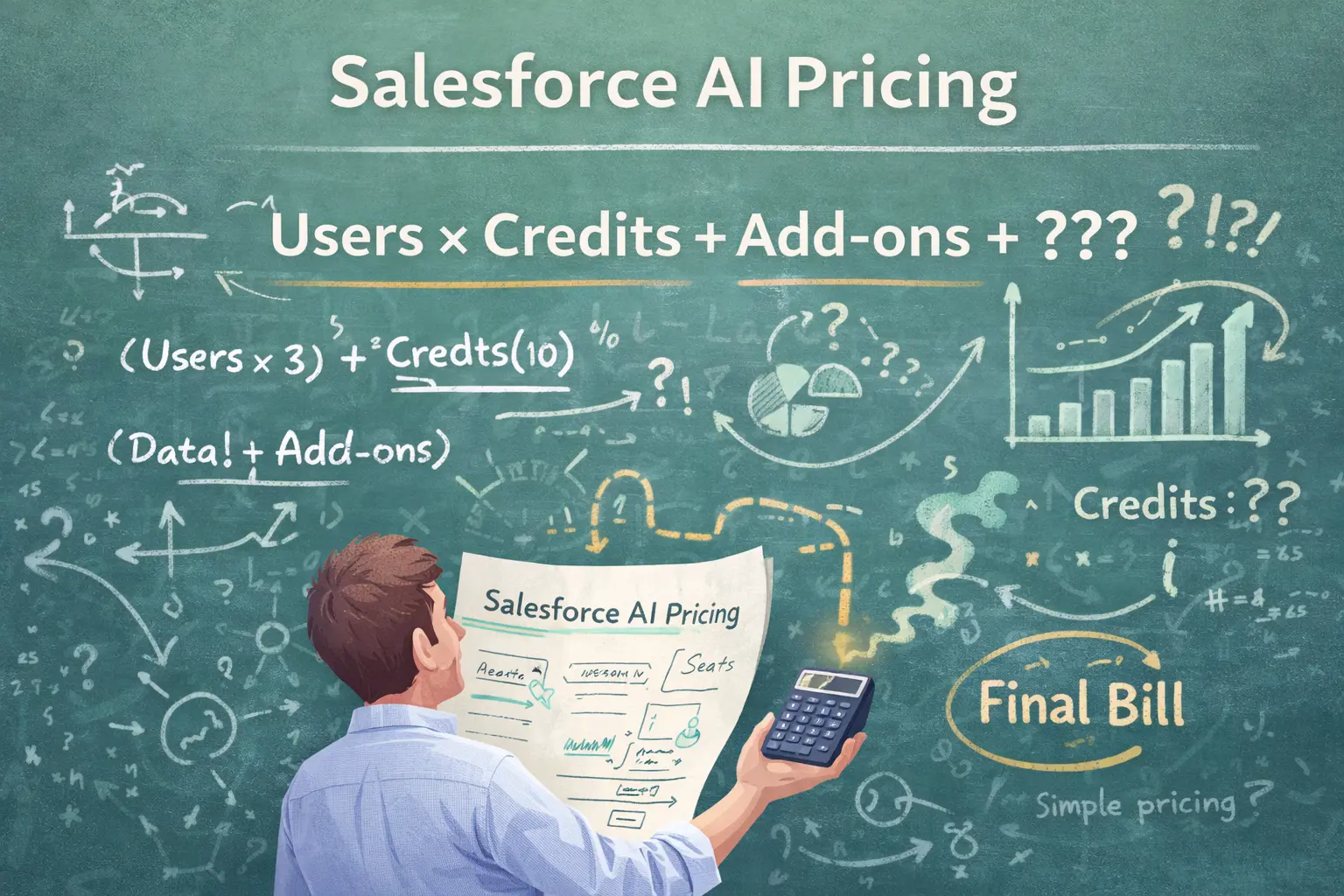
Now let’s talk about the part everyone struggles with: pricing. Here’s the big picture (aka the mental model for the whole article). Salesforce AI pricing is never “one price.” It’s a mix of seat-based pricing, consumption-based pricing, and platform + channel add-ons.
1) Seat-based pricing
First, you pay per user for AI tools used by your teams, like Agentforce AI agents, Einstein Copilot, or AI-generated replies powered by Salesforce Einstein AI in Service Cloud and Sales Cloud.
This is the cleanest part: you pay for employees who use artificial intelligence inside Salesforce. For example, Agentforce starts around $125 per user/month, with higher tiers going significantly above that.
2) Consumption-based pricing
This is where pricing starts to feel like a video game currency.
You pay for data and AI usage through Data Cloud Credits, which are consumed whenever Salesforce AI processes real-time customer data, runs segmentation, powers generative AI responses, or grounds AI agents in Customer 360 context.
Credits are typically sold in large bundles, e.g., $500 per 100,000 credits, and burn faster than most teams expect.
3) Platform and channel add-ons
And third, there are platform and channel costs (cloud licenses, Digital Engagement, messaging channels, APIs, and add-ons required to actually deploy AI across customer service, sales, and marketing.
If this still feels confusing, don’t worry. In the next sections, we’ll break down each part of Salesforce AI pricing separately, explain what you actually pay for, and show real example numbers so you can estimate costs before anything goes live.
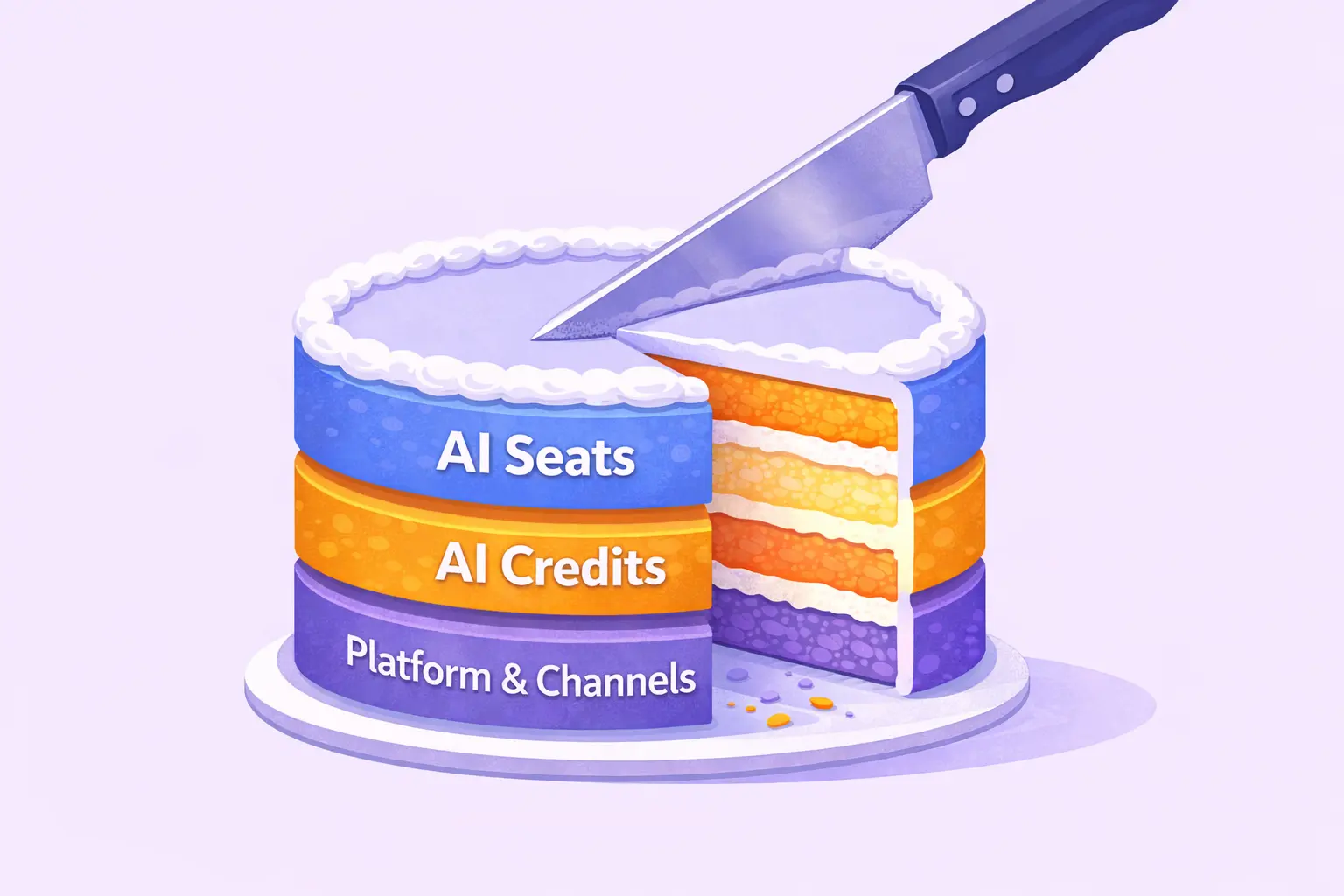
Salesforce AI Seat-Based Pricing Explained
This is the part that looks simple but still manages to become the most expensive line item.
Seat-based pricing means you pay for people (named users) inside the Salesforce Platform who use the AI feature within Salesforce internally. Typically, those users are sales or service reps. Each person is a “seat,” and you pay a monthly price per seat.
What You Pay for Before Using Salesforce AI
1️⃣ Core Salesforce licenses (required for AI)
Before you can use any Salesforce AI, you must already be paying for a core Salesforce cloud license (Sales Cloud or Service Cloud). Most commonly:
| Salesforce plan | Typical list price | What it includes |
|---|---|---|
| Enterprise | ~$165 / user / month |
Core CRM, automation, APIs (no advanced AI features included) |
| Unlimited | ~$330 / user / month |
Everything in Enterprise + higher limits, governance, admin tools |
| Agentforce 1 | ~$550 / user / month |
Unlimited Salesforce license + bundled AI capabilities (Agentforce-level AI, advanced generative features, deeper Data Cloud integration) |
There are also Basic and Pro plans available in Salesforce. However, Salesforce AI features are not available in these plans at all.
2️⃣ AI features for employees
On top of the core license, Salesforce AI for employees is priced in two different ways, depending on the plan you choose. This is where most confusion comes from.
Option A: Agentforce as an add-on
If you’re on Enterprise or Unlimited, artificial intelligence is typically added as a per-user AI add-on.
| AI add-on | Price (list) | What it covers |
|---|---|---|
| Agentforce | ~$125 / AI user / month |
AI agents, Einstein Copilot assistance, AI-generated service replies and summaries, internal automation |
Not every user needs AI. You only pay the AI add-on for users who actually use AI features.
When someone says, “Agentforce costs $125/user/month”, what it usually means in real life is:
- Enterprise + Agentforce → $165 + $125 = ~$290 / user / month
- Unlimited + Agentforce → $330 + $125 = ~$455 / user / month
And yes, this scales linearly with headcount. 100 AI-enabled users = $12,500/month just for the AI add-on (plus the base Salesforce licenses).
Option B: Agentforce 1 (AI bundled into the core license)
Agentforce 1 is different. It is not an add-on as in option A. It’s a premium Salesforce plan that already includes:
- Unlimited Salesforce base licenses
- Agentforce-level AI capabilities
- Advanced generative AI features
- Deeper integration with Data Cloud and agentic workflows
| Plan | Price (list) | What it effectively replaces |
|---|---|---|
| Agentforce 1 | ~$550 / user / month | Unlimited + Agentforce |
With Agentforce 1, you don’t add Agentforce separately, but AI is already bundled into the license. You pay one higher per-user price, instead of stacking add-ons.
Key Things to Know Before Buying Salesforce AI
- You always start by paying for core Salesforce licenses (Enterprise, Unlimited, or Agentforce 1)
- AI for employees is either added on top via Agentforce (Enterprise / Unlimited) or included by default in Agentforce 1. However, not every user needs AI; you only pay for the AI add-on for users who actually use it.
- Agentforce (add-on) and Agentforce 1 are not meant to be stacked
Agentforce 1 already includes AI capabilities at the Agentforce level (and beyond). - Important: This seat-based AI pricing covers internal AI tools only (Einstein Copilot, AI-generated replies, summaries, in-app assistance). Customer-facing AI (chatbots, automatic case resolution, real-time customer interactions) usually lives in consumption-based pricing, which we’ll cover next.
How Much Salesforce AI Costs Per Employee
| Salesforce plan | What you actually get | AI included | Typical list price |
|---|---|---|---|
| Enterprise | Core CRM (Sales / Service Cloud), automation, APIs | ❌ No | ~$165 / user / month |
| Unlimited | Enterprise + higher limits, governance, admin tools | ❌ No | ~$330 / user / month |
| Enterprise + Agentforce add-on |
Enterprise + AI for employees (Copilot, AI replies, summaries) |
✅ Add-on | ~$290 / user / month |
| Unlimited + Agentforce add-on | Unlimited + AI for employees | ✅ Add-on | ~$455 / user / month |
| Agentforce 1 |
Unlimited + AI bundled by default (agentic workflows, deeper AI) |
✅ Included | ~$550 / user / month |
Salesforce AI Consumption-Based Pricing Explained
If seat-based pricing is the “subscription,” consumption-based pricing is the utility bill. You don’t pay per employee here. You pay for work that happens (data processing, real-time customer activity, and customer-facing AI agents doing things automatically).
Salesforce measures that work using… credits. (Yes, it’s basically a video game currency.) AI consumption usually comes in two buckets:
- Data Cloud credits - Used for data processing inside Data Cloud (building Customer 360, customer segmentation, and real-time data updates such as order status). Think of it as fuel for customer data.
- Flex Credits - Used for actions performed by AI agents (mainly customer-facing automation like chatbots, autonomous case resolution, and AI-generated replies). Think of it as fuel for digital labor.
So, when someone asks: “How much does Salesforce AI cost?” The real answer is: How many AI actions will happen + how much data will flow through Data Cloud?
A) Data Cloud credits
Data Cloud is where Salesforce tries to build a unified customer profile (“Customer 360” in Salesforce terminology) from multiple systems (CRM, e-commerce, web events, marketing, support data, etc.). That sounds simple until you realize what’s happening under the hood.
Real Examples of Data Cloud Credit Usage
| What you do in Data Cloud | What it means in practice |
|---|---|
| Data ingestion | Importing orders, order status, customer profiles, website events, email activity, and support tickets |
| Identity resolution | Connecting the same customer across email, cookie, CRM contact, account, and support history |
| Segmentation | Queries like “customers who bought product X”, “VIP customers”, and “users with open orders” |
| Real-time profile updates | Updating a customer profile when they place, cancel, or return an order |
| Audience activation | Sending customer segments into Service Cloud, Sales Cloud, Marketing, or Commerce Cloud |
| AI context grounding | AI agents reading past customer behavior (order history, past conversations, or account data) before replying |
All of that is compute-heavy, and that’s exactly what credits pay for.
B) Flex Credits
Flex Credits are the “consumption meter” for AI agents (Einstein bots) when they operate at scale, typically customer service automation (chat, messaging, case resolution), or autonomous workflows. You buy credits in bundles, and each AI agent's “action” consumes those credits.
Now, what counts as an “action”? Think of an Einstein bot workflow like a mini checklist:
- Identify the customer
- Pull order status from data
- Find knowledge articles
- Generate a reply
- Create/update a case in Service Cloud
- Send the message
That’s not only “one AI action.” That can be multiple actions, and each step can consume credits.
Examples of AI Agent Actions That Consume Credits
| Customer request (real-world example) | AI agent actions (what actually happens) |
|---|---|
| Order status (WISMO) | Identify customer → fetch order data → generate response |
| Returns / refund request | Check return policy → validate order → create or update case → generate reply |
| Product questions | Retrieve product data → compare options → generate answer |
| Autonomous case resolution | Classify request → find solution → reply → close case |
How much do Salesforce AI Credits cost?
Salesforce doesn’t price Agentforce per chatbot or per conversation. It prices it per action. An action is one atomic thing an AI agent does, not the whole conversation.
You pay €500 per 100,000 Credits. 1 standard Agentforce action consumes approximately 20 Credits (based on Salesforce’s own public Agentforce pricing examples). That means 1 AI action costs around €0.10. This is the number everyone is looking for.
What counts as an “AI action” in Salesforce
| Customer request | Typical AI agent actions executed | Actions count | Estimated cost |
|---|---|---|---|
| Order status (WISMO) | Identify customer → fetch order → generate reply | 3 | ~€0.30 |
| Returns / refund | Validate order → check policy → create/update case → reply | 4–5 | ~€0.40–€0.50 |
| Product question | Retrieve product data → compare → generate answer | 2–3 | ~€0.20–€0.30 |
| Autonomous case resolution | Classify → find solution → reply → close case | 4–6 | ~€0.40–€0.60 |
| Voice-based reservation update | Identify → fetch slots → update reservation → confirm | 4 (voice) | ~€0.60 |
Salesforce’s own public examples typically assume ~20 Flex Credits per action, which aligns with these estimates.
Salesforce also offers an alternative pricing model, where you pay €2 for every automated conversation.
Why consumption pricing is so hard to forecast
Seat-based pricing is easy: users × monthly price. Consumption-based pricing is harder because you’re forecasting user interactions and behavior:
- How much customer activity will happen?
- How many conversations will the Einstein GPT handle?
- How often will you run segmentation?
- How many channels are you supporting (chat + email + WhatsApp)?
- Will the AI handle 10% of cases… or 60%?
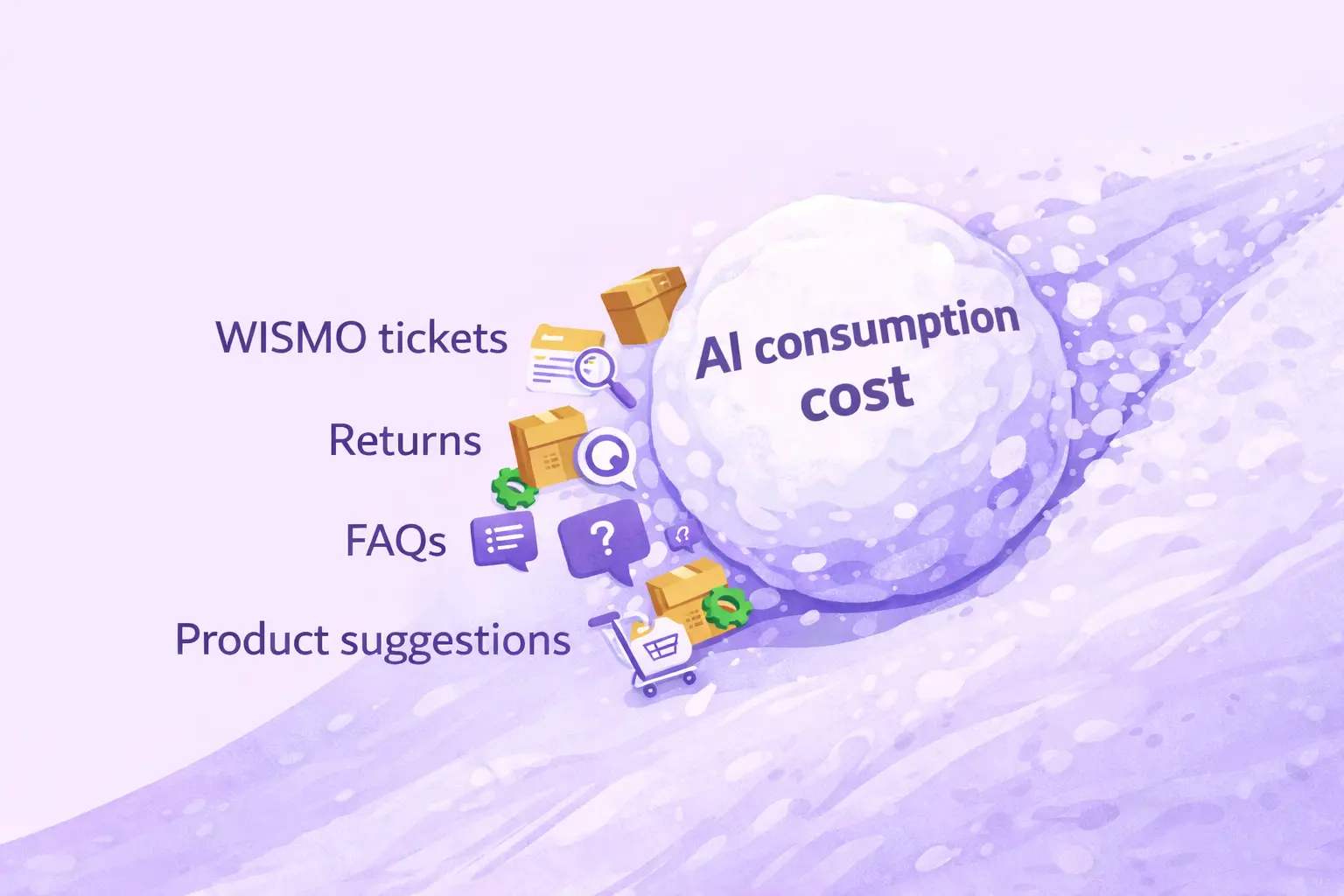
And here’s the twist. If your AI works well, usage goes UP. Which means credits burn faster.
Independent reviews confirm this uncertainty. According to enterprise user feedback on PeerSpot, teams frequently mention that Salesforce AI costs are difficult to predict upfront, especially once automation scales and AI agents start handling real customer volume.
Salesforce AI Pricing Platform and Add-Ons Costs
Once you understand seats (licenses for people) and credits (consumption), many teams still miss the third layer: extra platform + channel costs you often need just to deploy AI properly in real life.
Think of it like a gaming setup:
- Sales/Service Cloud licenses = the console
- Agentforce / AI add-on = the game pass
- Data Cloud + credits = the electricity bill
- Digital Engagement + channels = the controller + online multiplayer 😄
What usually falls into this bucket:
Messaging Channels Pricing in Salesforce AI
If you want Salesforce Einstein AI in chat, WhatsApp, Messenger, SMS, Telegram, or any other messaging channel, you usually need a Digital Engagement license (Service Cloud add-on).
Pricing varies by region and specific contract, but most commonly, you pay $75–$100 per user per month for a Digital Engagement license.
And that’s before message fees. External channel costs (not Salesforce revenue, but still your bill):
- WhatsApp: ~$0.005–$0.08 per conversation (country-dependent)
- SMS: ~$0.01–$0.10 per message
- Voice: usage-based, often €0.02–€0.06 per minute
Your AI may be cheap per action, but the channel itself can cost more than the AI.
Digital Engagement often becomes one of the most underestimated cost drivers in Salesforce AI projects. Independent analyses point out not only the per-user licensing cost, but also limitations around automation, bulk messaging, and setup complexity.
Data Cloud Storage Pricing
Data Cloud costs come in two different dimensions. We've already covered Data Cloud Credits in this article. But what many companies often miss are storage costs, where you pay for used storage space inside your Salesforce Data Cloud. Storage pricing is not transparently listed because it is usually negotiated per contract and tied to data volume.
This is where you must ask Salesforce directly.
Integrations Costs for Salesforce AI
AI agents don’t magically know your order status. The moment you want an Einstein bot to answer things like order status, refunds, or product availability, you need to call systems outside Salesforce (e-commerce platform, warehouse, carriers). That usually means API integrations and implementation work, and that’s rarely cheap.
Is Salesforce AI Worth the Price?
If you’ve made it this far, congrats, you should now understand Salesforce AI pricing better than most people who already signed the contract. It's not a single price, but a combination of user, usage, and license pricing.
Because of that, Salesforce AI pricing could dramatically exceed expectations. Ironically, the better your AI performs, the faster costs grow.
None of this makes Salesforce Einstein AI “bad”. It just means it’s enterprise-grade software with enterprise-grade complexity. If your business lives deep inside Salesforce CRM and wants AI embedded across sales, customer service, and marketing, Salesforce AI can absolutely make sense.
Salesforce AI vs Simpler Customer Support Automation Tools
However, for many e-commerce and support-heavy teams, the goal is much simpler:
- order tracking (WISMO)
- up-to-date order and delivery information
- automated replies to customer inquiries
- fewer tickets, meaning fewer agents and faster responses
- modern language models without worrying about credits, seats, or add-ons
That’s where a simpler pricing model can be a better choice. With AMIO (yes, we're the ones behind this article), you don’t pay per user, seat, AI action, or credit. Instead, you pay one flat monthly fee, starting from €350 / month, that includes:
- AI-powered order tracking
- automated customer support replies
- real-time order and customer context
- modern AI-based products built on the latest language models
For teams focused on customer support automation, this means more predictable costs with fewer pricing surprises and a very fast setup (AMIO chatbot goes live in one week).
👉 Want to see if AMIO is a better fit for your use case? Book a free demo and talk to one of our experts. We’ll help you compare Salesforce AI vs. AMIO using your real context and numbers. [Book a free demo →]
Table of Contents
Start building AI chatbots with Amio.
Book a 30-minute session where we will find out how AI bot can help you decrease call center costs, increase online conversion, and improve customer experience.
Book a demoWhat is Amio?
We understand your business on
Book a 30-min consultation session where we will discuss your support cost optimization potential, experience improvements, including our online conversion increase techniques
Request a demo